Rainbow Tabs, sorting browser tabs by color
A small Chrome extension that sorts the tabs in a window into rainbow order by the color of each site's icon.
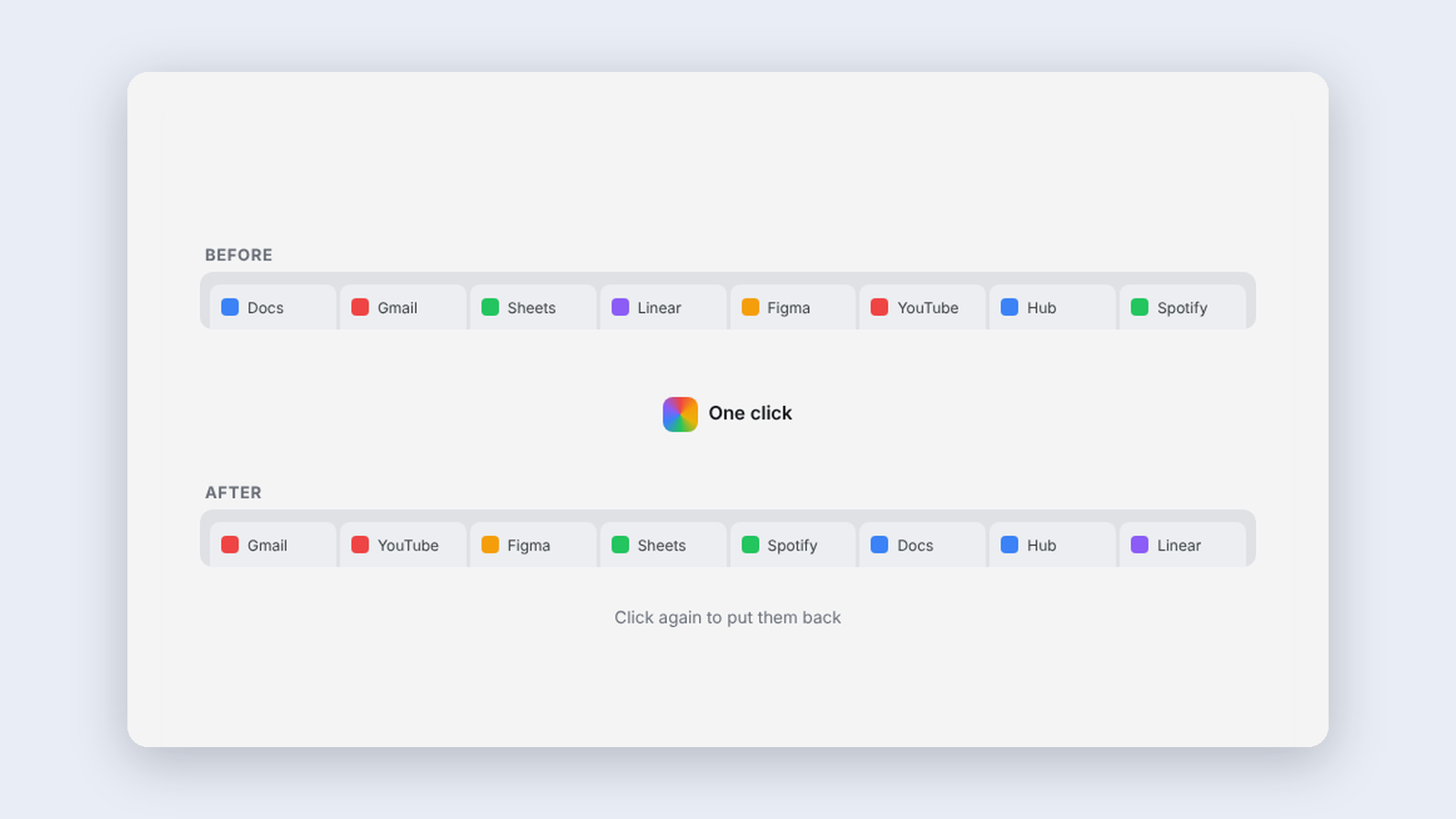
I've been known to have nearly 70 tabs open in a single window. At that point the tab bar stops helping you find anything. So I decided to at least make them look good.
Rainbow Tabs sorts them. Click the toolbar icon and the tabs in your window reorder red through violet by the main color of each site's icon. Tab groups move as a block, placed by their group color, with the tabs inside sorted too. Pinned tabs stay put. Click again to undo.
Deciding what color an icon is
That turned out to be the whole project. Average the pixels in a colorful icon and you get gray, because opposite colors cancel out. So colors are sorted into hue buckets, weighted by how saturated they are, and the heaviest bucket wins.
Notification badges get ignored, since a red unread dot is usually louder than the logo it sits on. Pale icons have to clear a higher bar before they count as colored. Whites go first and darks go last, like bookends.
Some cases are still unresolved. Google's multicolor logo measures as a vivid blue, and I'd rather it sat with the whites. I haven't won that argument with the math yet.
A toy, and that's fine
Not every experiment needs to save anyone time. This one is a toy, so the only question is whether anyone clicks it twice. I do. My 70 tabs are a rainbow now, and it's so pretty.
Keep reading
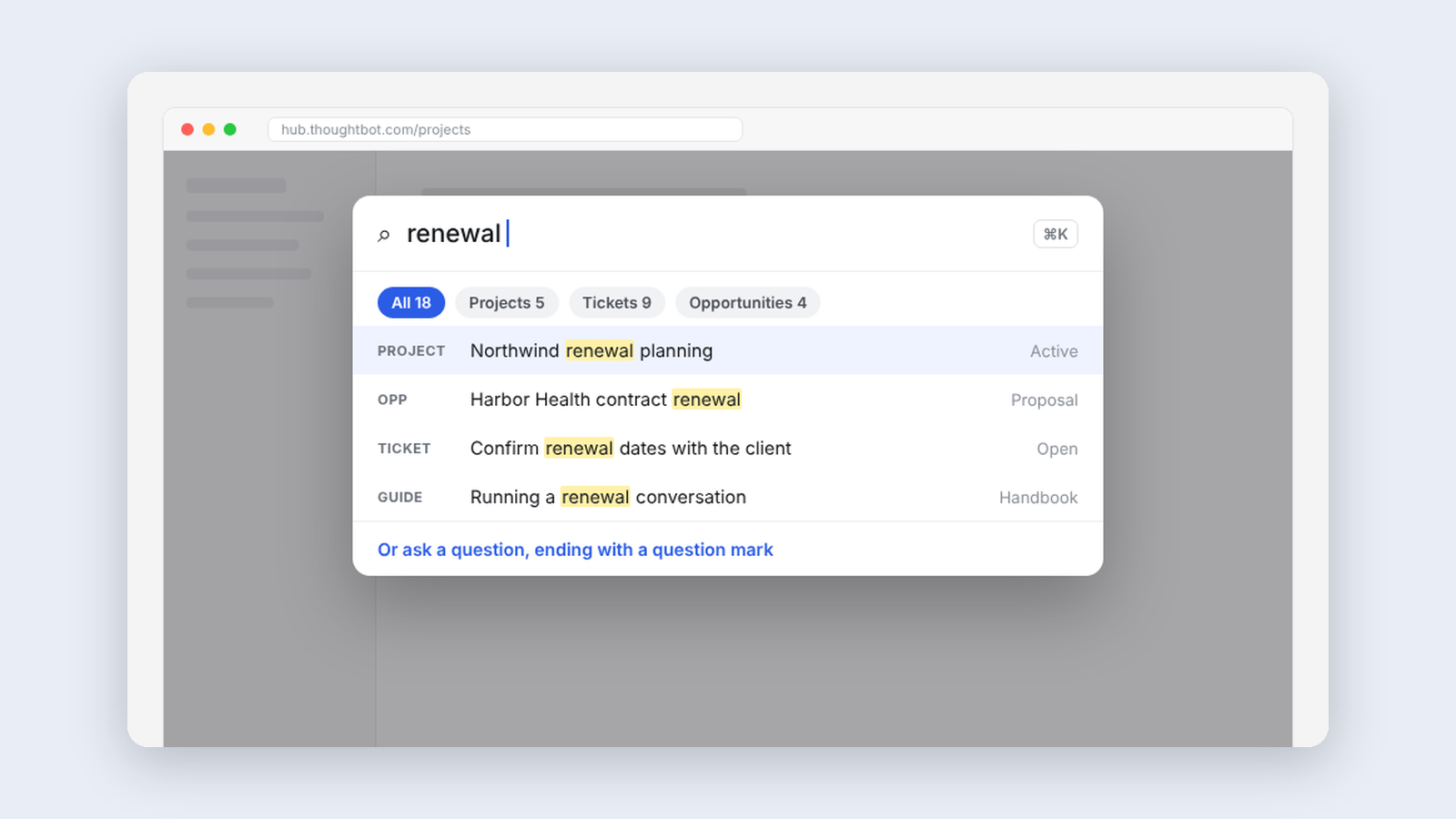
More like this
-
 Making·
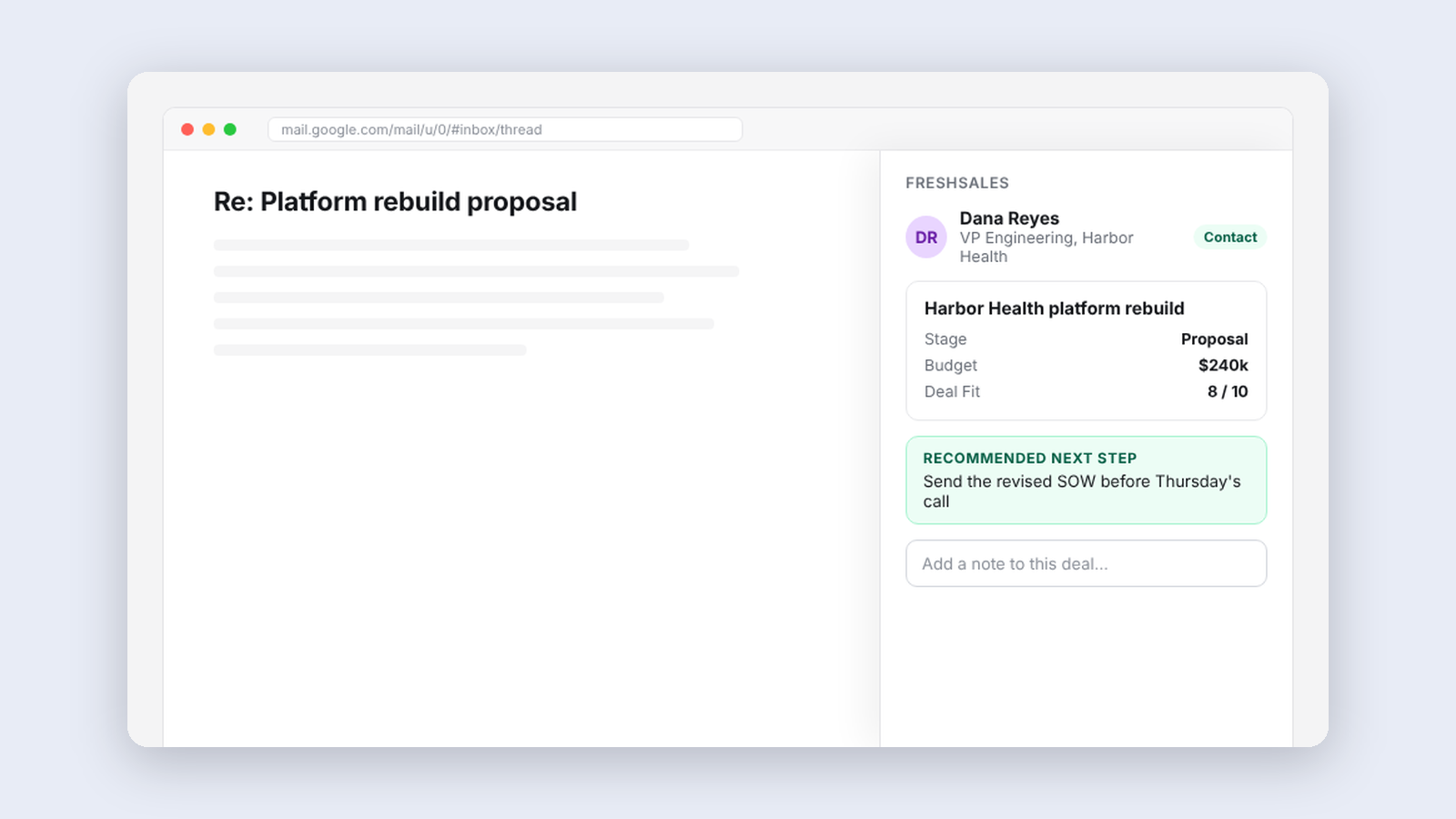
Freshsales for thoughtbot, our CRM inside the inbox
A sidebar in Gmail that shows who someone is in our CRM, the deal tied to a thread, and the people worth reconnecting with this week.
Making·
Freshsales for thoughtbot, our CRM inside the inbox
A sidebar in Gmail that shows who someone is in our CRM, the deal tied to a thread, and the people worth reconnecting with this week.
-
 Making·
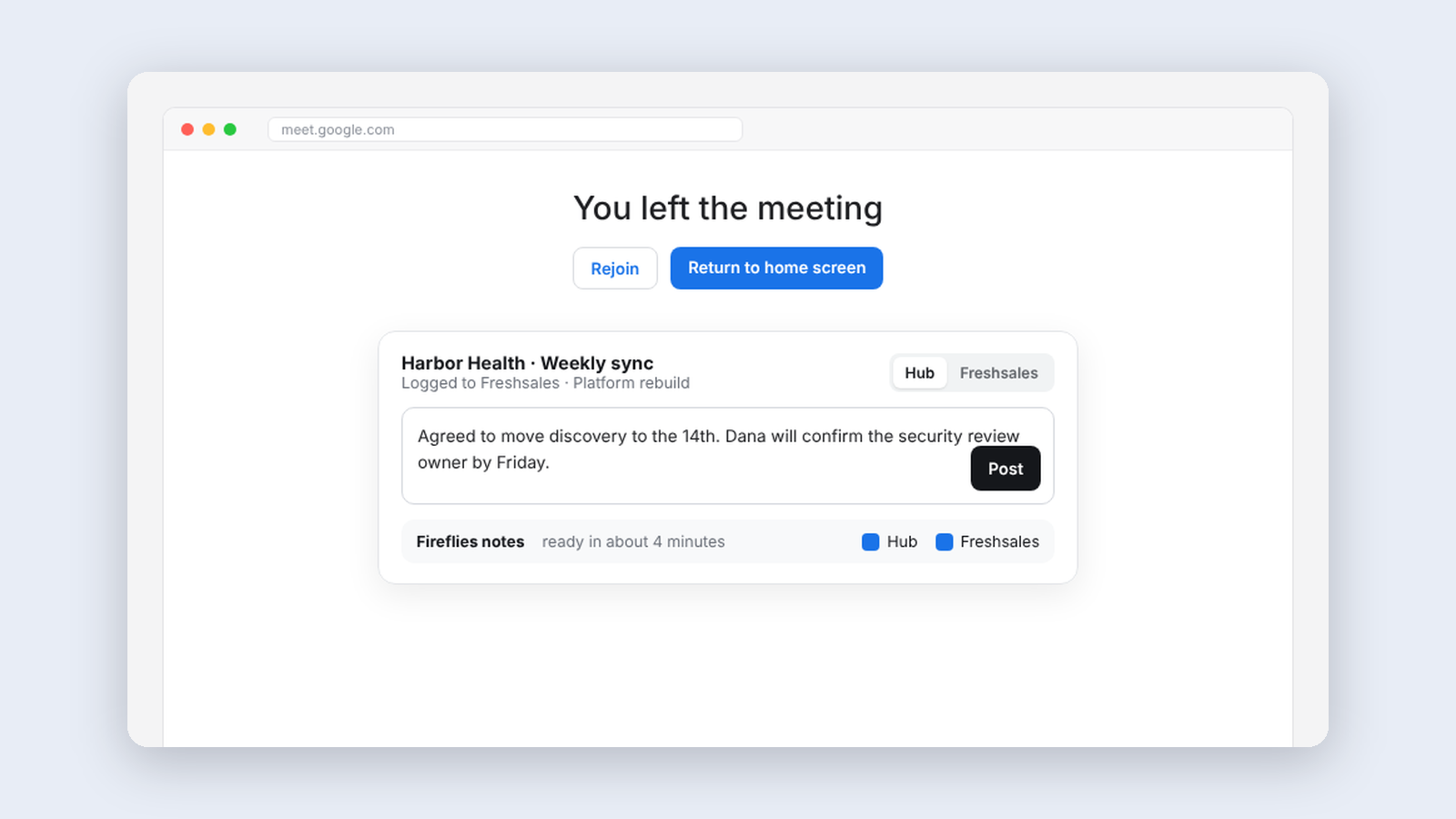
Meeting Helper, logging client meetings without thinking about it
An extension that logs finished meetings to our CRM automatically and handles notes and follow-up right on Google Meet's goodbye screen.
Making·
Meeting Helper, logging client meetings without thinking about it
An extension that logs finished meetings to our CRM automatically and handles notes and follow-up right on Google Meet's goodbye screen.
-
 Making·
Blog Helper, an editor that knows our style guide
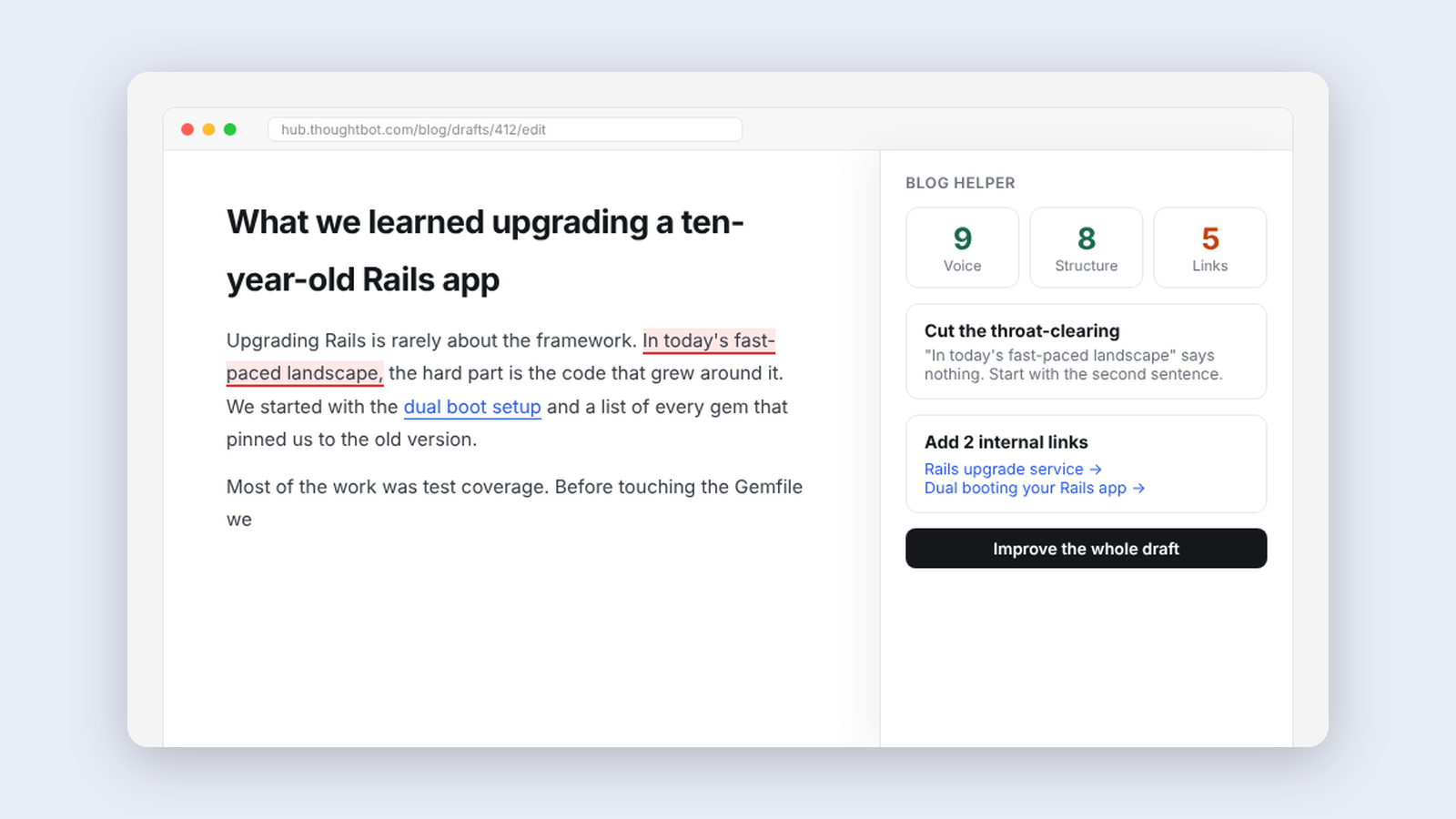
A panel beside our blog editor that reviews drafts against thoughtbot's editorial guidelines, suggests internal links and writes first drafts from notes.
Making·
Blog Helper, an editor that knows our style guide
A panel beside our blog editor that reviews drafts against thoughtbot's editorial guidelines, suggests internal links and writes first drafts from notes.