Meeting Helper, logging client meetings without thinking about it
An extension that logs finished meetings to our CRM automatically and handles notes and follow-up right on Google Meet's goodbye screen.
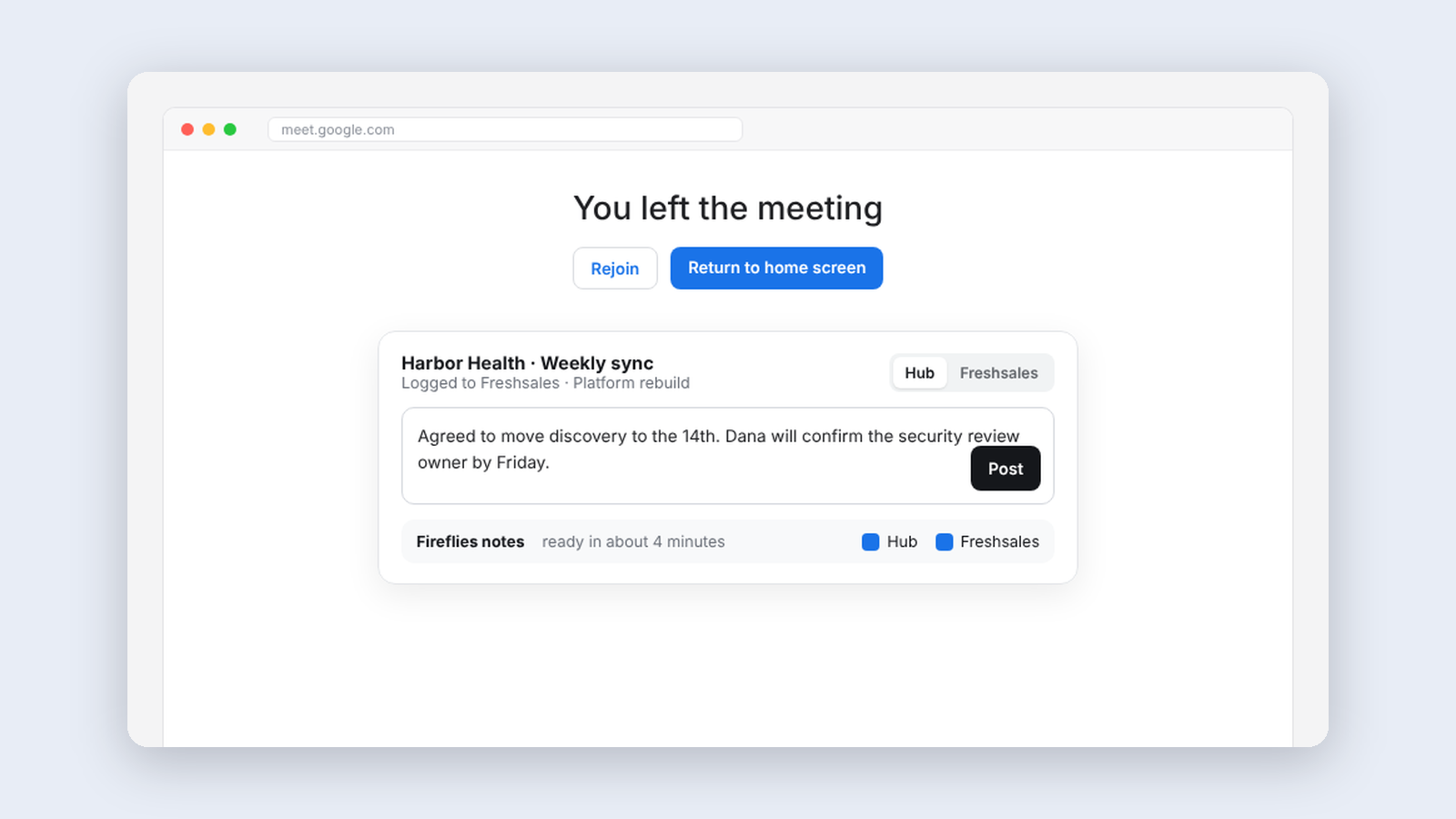
Before this, our client meetings were never logged in the CRM. Everyone agreed it mattered, and nobody did it. I wanted to see what would happen if nobody had to.
Meeting Helper checks Google Calendar every ten minutes for meetings that have ended, matches the outside attendees to CRM contacts by email address, and logs the meeting on each one with the real title, time and description. If a contact has an open deal, the meeting goes on the deal's timeline too.
It skips what should be skipped. All-day events, canceled meetings, internal meetings and recurring ones, since a standing weekly is rarely a one-off sales call.
Right after the call
Automatic logging was the reason I built it. The part that matters most to me now is what happens the moment a call ends, when my thoughts on what to do next are at their freshest.
Inside a Google Meet call, the extension works out which opportunity the call belongs to. When I leave, a single card appears on Meet's own "You left the meeting" screen with the note already focused. I write the follow-up right there and save it to our CRM, to our internal platform Hub, or both. The AI meeting notes follow once they're ready, so the notes and the next steps end up in the same place.
That card went through many versions. Chips, logos, a separate card and colored borders were all tried and dropped as too busy. One composer and two checkboxes won.
What I learned
- Trust, but read back. The CRM often replies "success" while quietly ignoring fields. Now every change is read back to confirm it actually took.
- Unmatched attendees are a finding. When the extension can't match someone, that's a gap in the CRM, which is arguably more useful to know than the meeting itself.
- Count what it does on its own. A tool that works in the background gets no clicks, so clicks can't tell you whether it's working. This one keeps its own count.
Keep reading
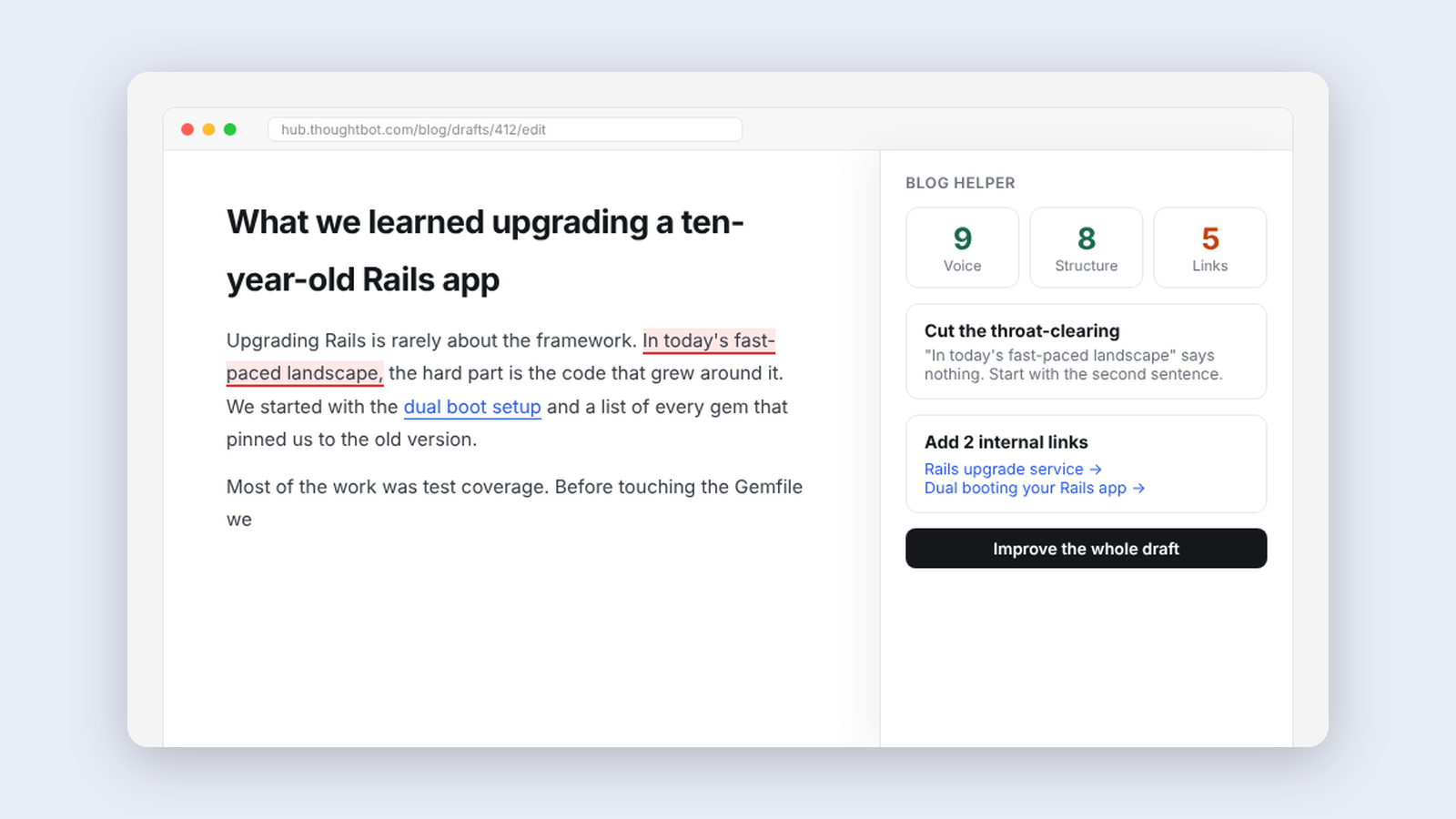
More from Tools for my team
-
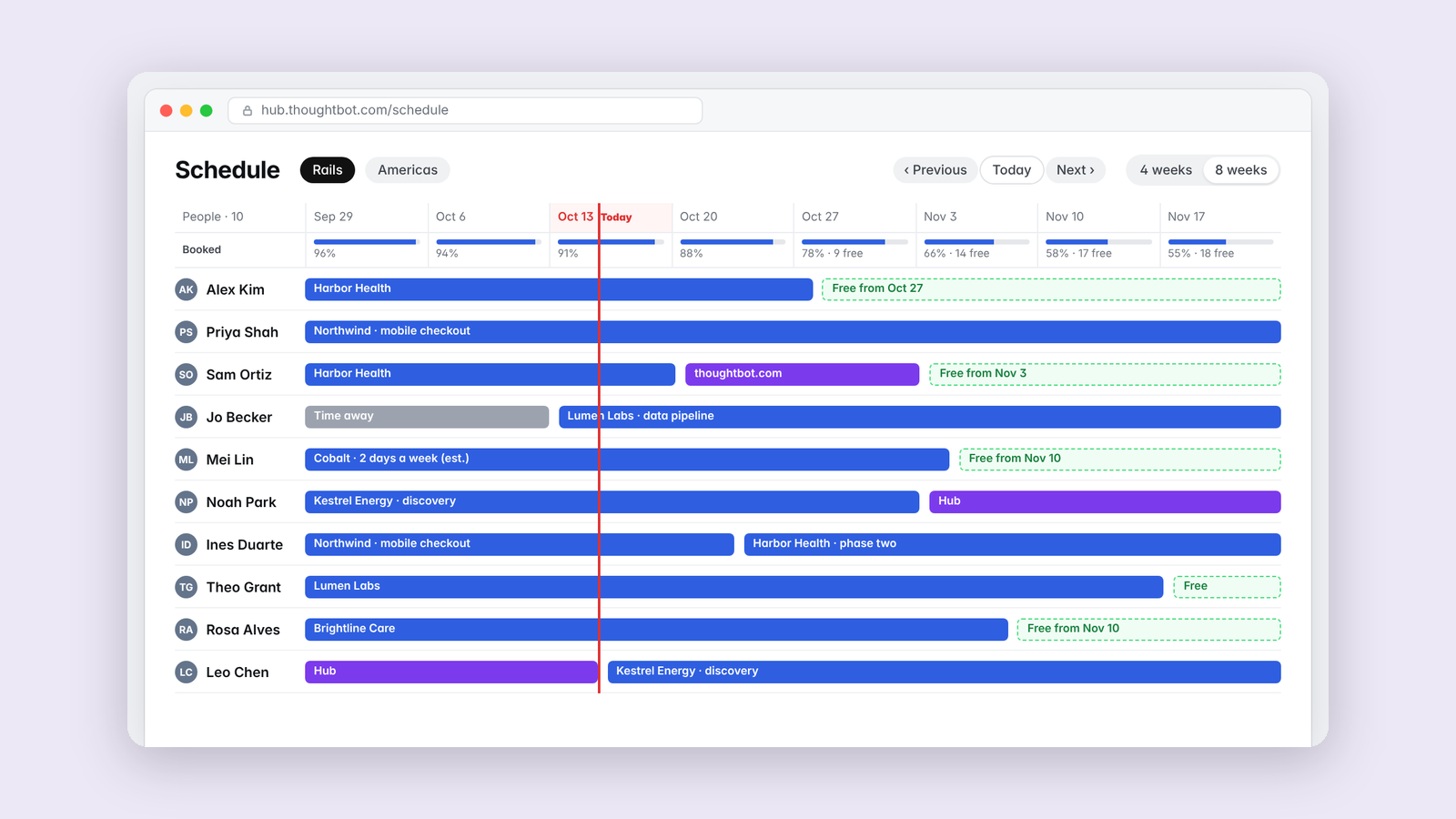 Making·
Schedule Helper, seeing who's free at a glance
A resource-planning timeline for thoughtbot's team schedule, with one row per person and the filters we actually use.
Making·
Schedule Helper, seeing who's free at a glance
A resource-planning timeline for thoughtbot's team schedule, with one row per person and the filters we actually use.
-
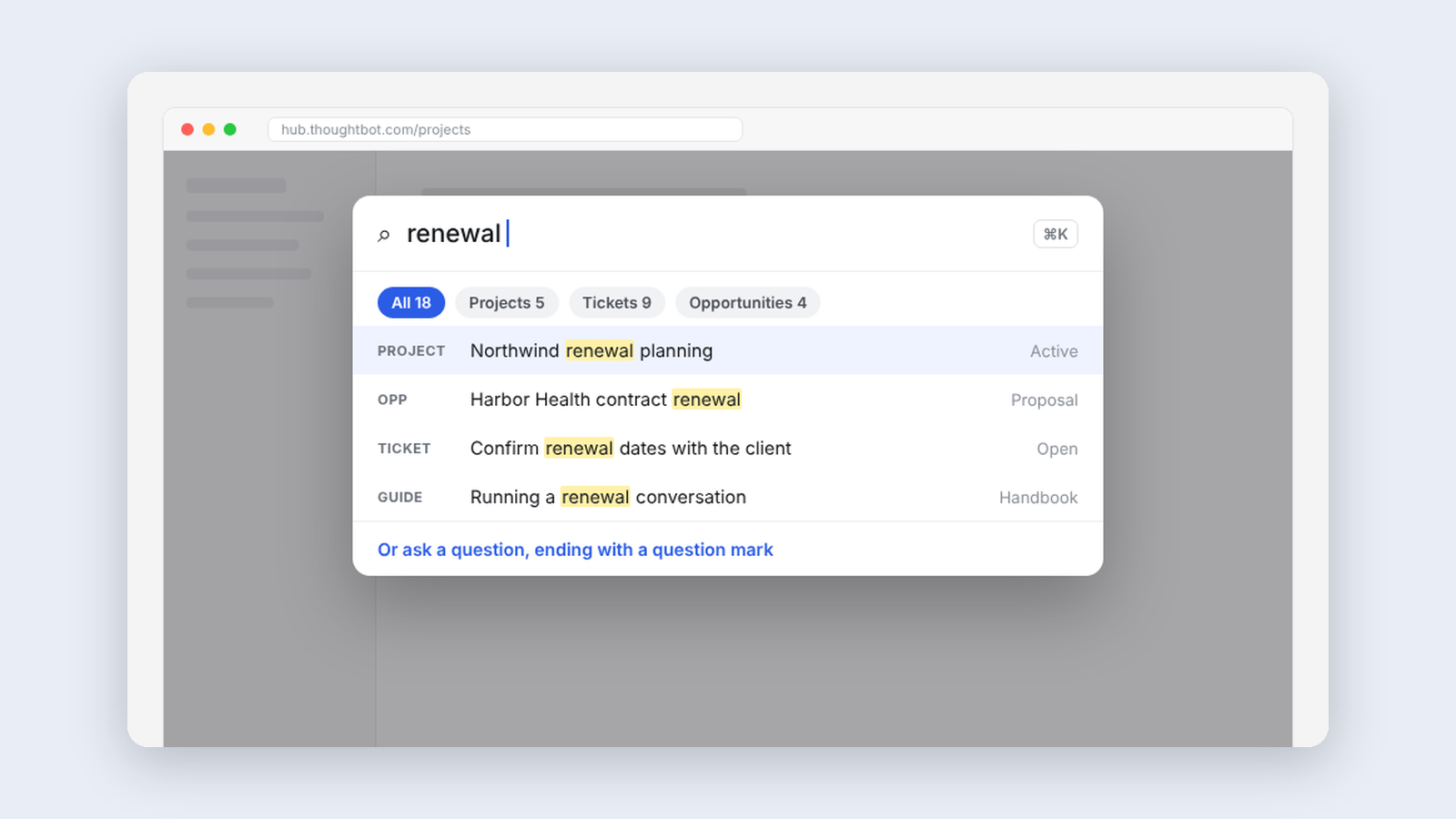 Making·
Hub Search, Cmd+K for our internal app
A fast search palette for thoughtbot's internal app that re-ranks results locally and never sends what you type anywhere new.
Making·
Hub Search, Cmd+K for our internal app
A fast search palette for thoughtbot's internal app that re-ranks results locally and never sends what you type anywhere new.
-
 Making·
Client Onboarding, learning how a client works before kickoff
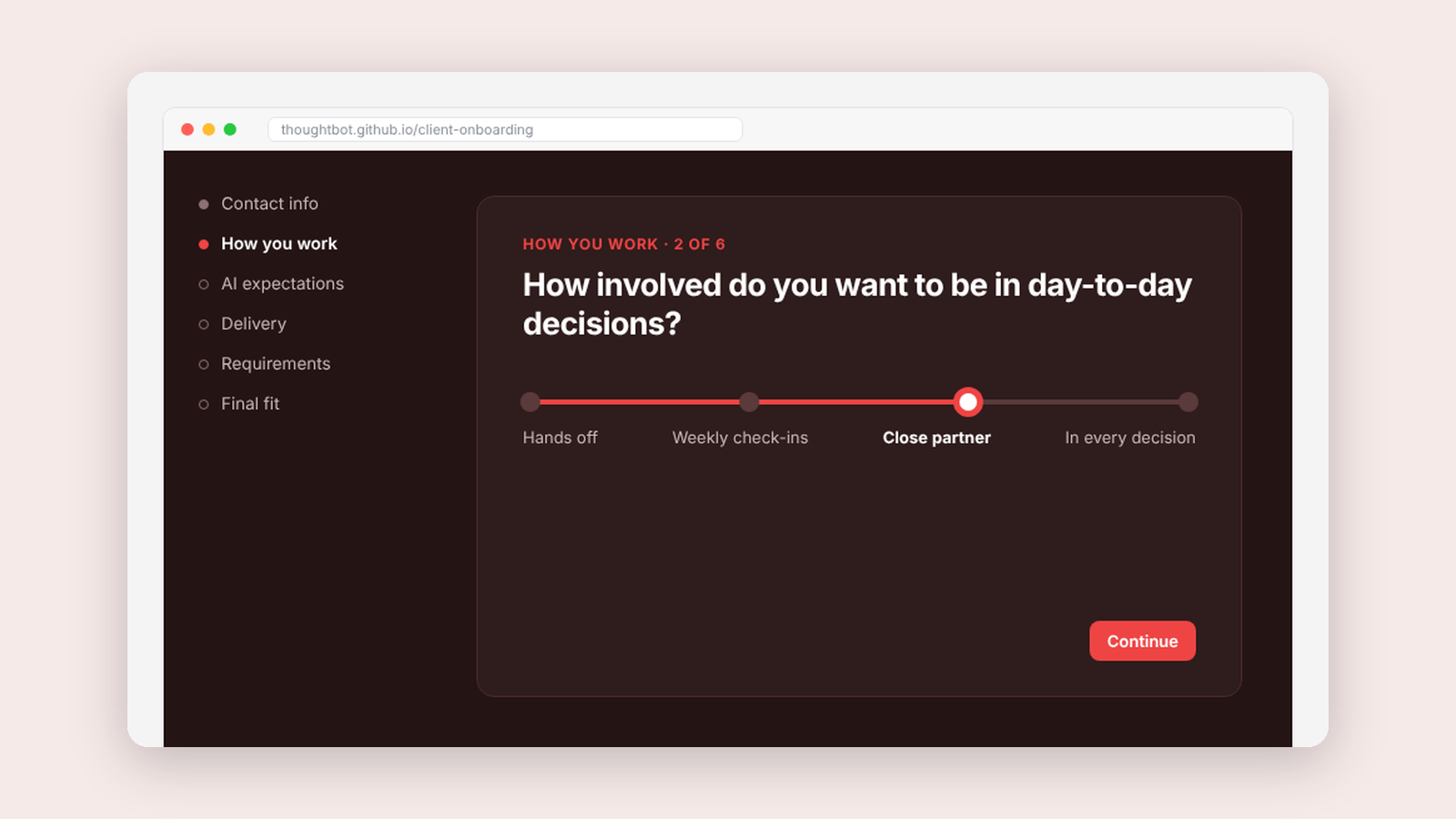
A short intake wizard that asks new clients how they like to work, so we can match them with the right people.
Making·
Client Onboarding, learning how a client works before kickoff
A short intake wizard that asks new clients how they like to work, so we can match them with the right people.