Delivery Copilot, an AI assistant that stays beside the work
A side panel that brings our internal delivery copilot next to the project you're looking at, with suggestions drawn from the record in front of you.
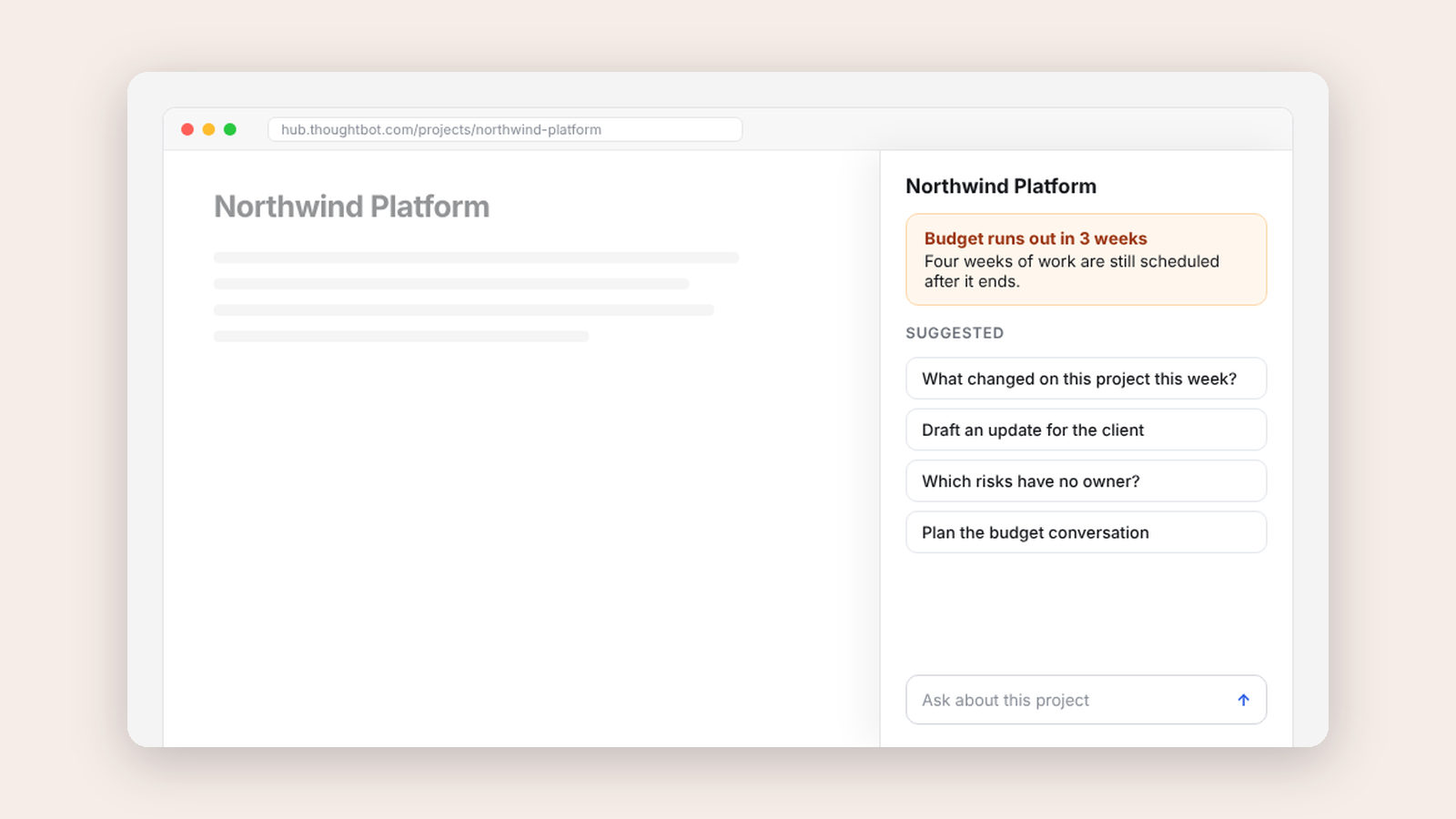
Our internal operations app, Hub, already had an AI copilot for delivery work. It lived on its own page, which meant leaving the project you were looking at to ask about it.
Delivery Copilot is a second home for the same copilot. It docks in Chrome's side panel and follows you around Hub, so it stays beside the record instead of taking over the page.
Three rules
It adds a home screen for each project with five suggested actions, and at most one proactive card about the record in front of you. The cards follow three rules.
- Silence is the default. If nothing crosses a threshold, there's no card.
- Every card shows its evidence. The numbers behind it and where they came from.
- Nothing happens without a person. Choosing a task opens Hub's own ticket form, filled in and waiting for someone to click save.
I think every AI assistant at work should follow some version of these.
Measuring before guessing
Early on, answers felt slow. Before optimizing anything I measured, and found that Hub writes the whole answer and sends it once at the end. No client can be faster than that. So instead of a single spinner, the panel now says which of four stages it's in, which made the wait feel far shorter.
Built to be deleted
This was always scaffolding. I built it outside Hub because that was the fastest way to work out what the panel should be. The finish line is moving the good parts into Hub and deleting the extension, and that work is underway now.
I wrote porting notes for the team that are blunt about the cost. One rule duplicates something Hub already does. Four things that look like moving code across are really new builds. That's how a week becomes a month, and I'd rather say so before anyone commits to the week.
Keep reading

More from Tools for my team
-
 Making·
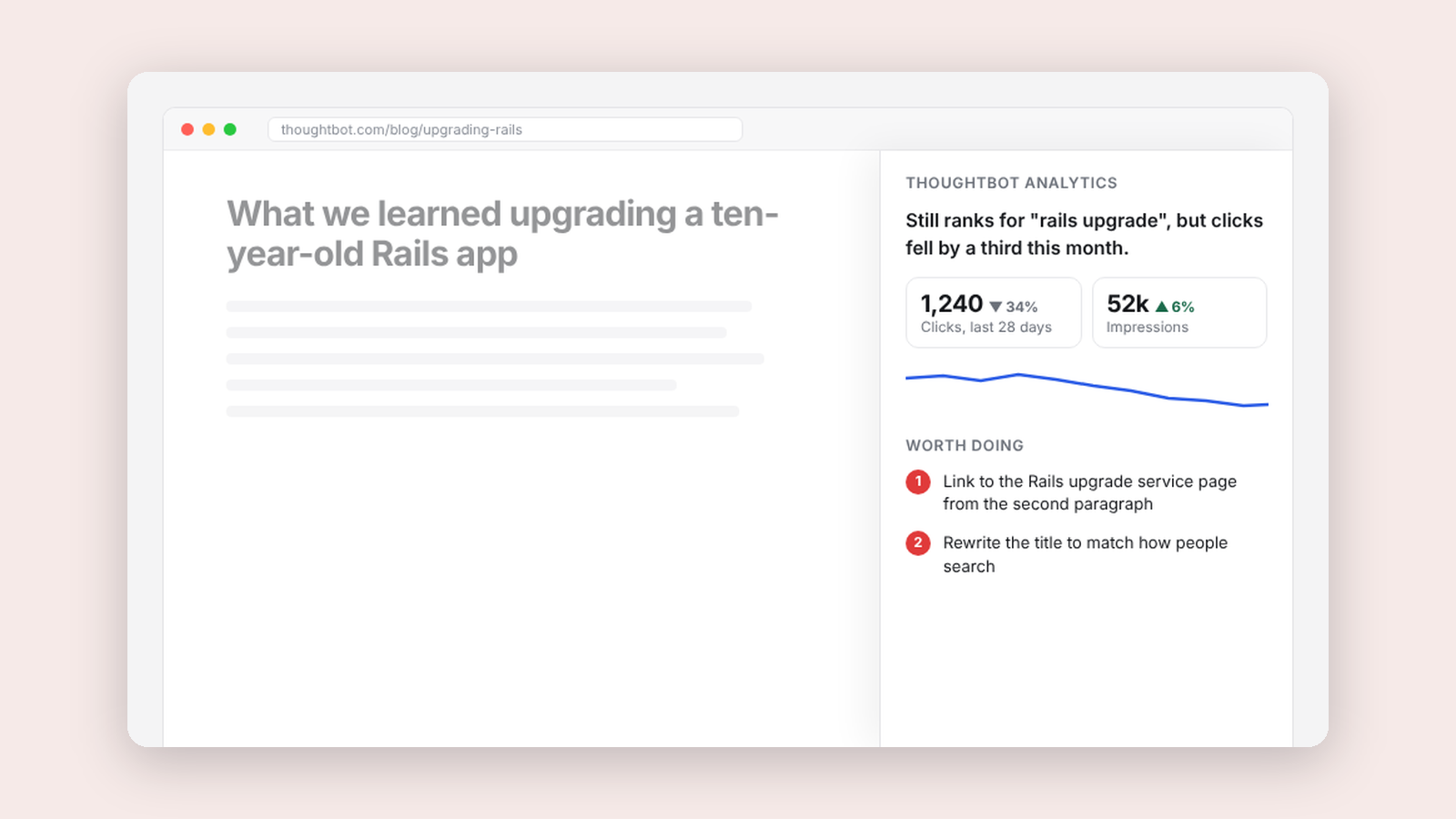
thoughtbot analytics, one useful suggestion for every page
A side panel on thoughtbot.com that says what's happening with the page you're on and the most valuable thing to improve.
Making·
thoughtbot analytics, one useful suggestion for every page
A side panel on thoughtbot.com that says what's happening with the page you're on and the most valuable thing to improve.
-
 Making·
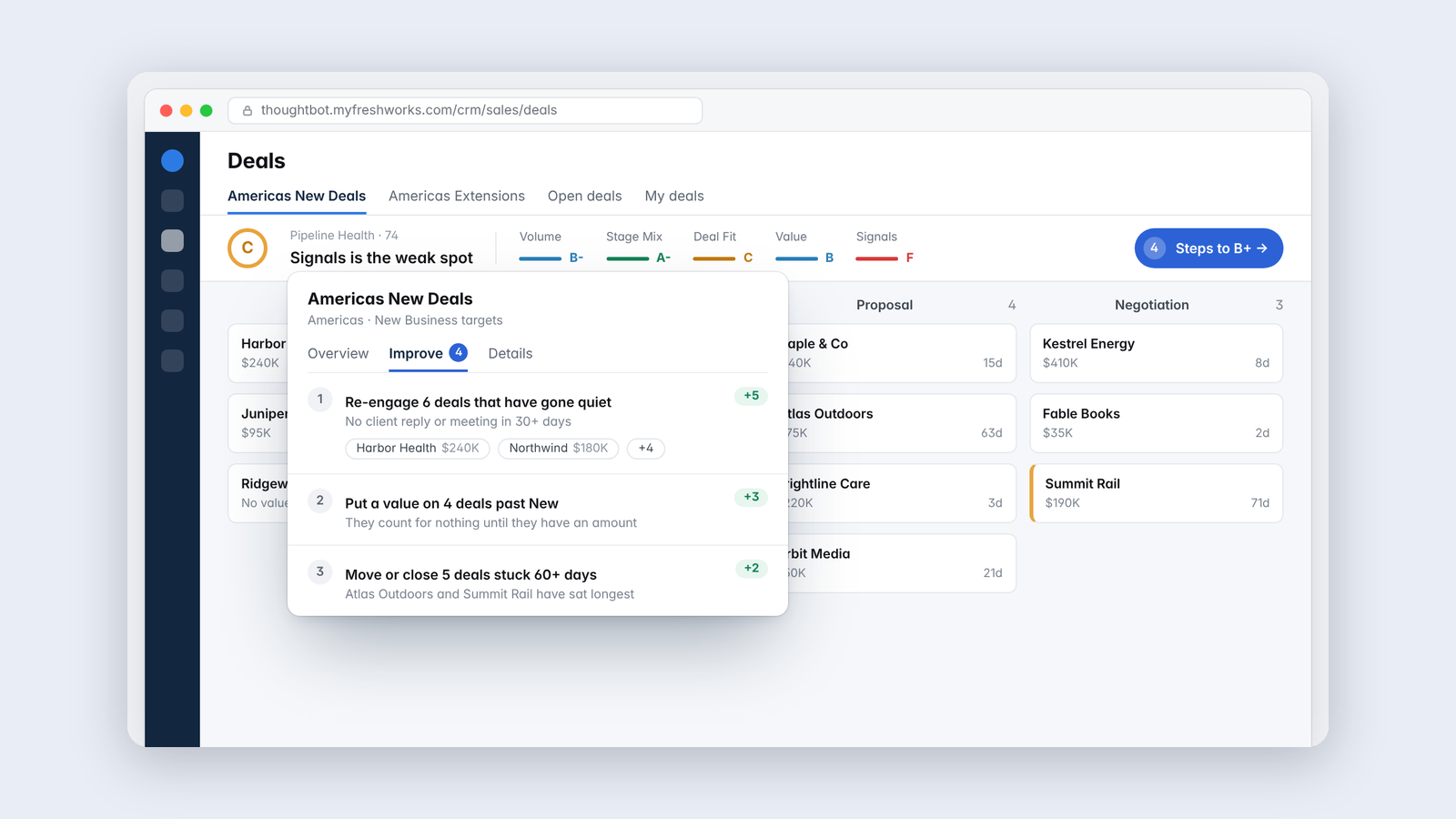
Pipeline Health, a grade for the sales pipeline that matches how it feels
A bar in our CRM that forecasts what the pipeline you're looking at will deliver against budget, and names the deals to work on.
Making·
Pipeline Health, a grade for the sales pipeline that matches how it feels
A bar in our CRM that forecasts what the pipeline you're looking at will deliver against budget, and names the deals to work on.
-
 Making·
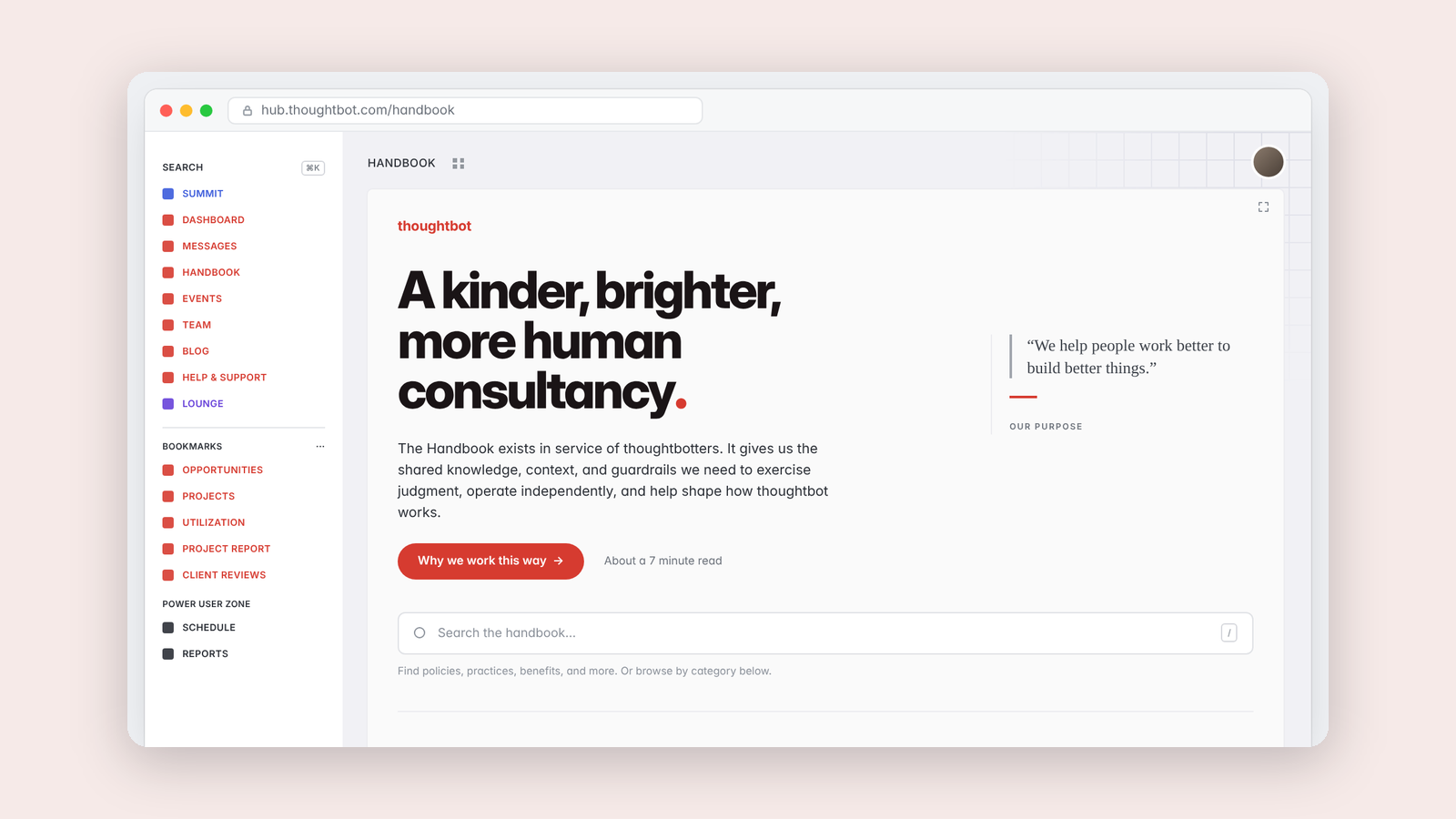
Handbook Helper, a better way to read our company handbook
A reading layer over thoughtbot's handbook with a path for new people, handbook-only search, and a clear line between policies and guides.
Making·
Handbook Helper, a better way to read our company handbook
A reading layer over thoughtbot's handbook with a path for new people, handbook-only search, and a clear line between policies and guides.