Handbook Helper, a better way to read our company handbook
A reading layer over thoughtbot's handbook with a path for new people, handbook-only search, and a clear line between policies and guides.
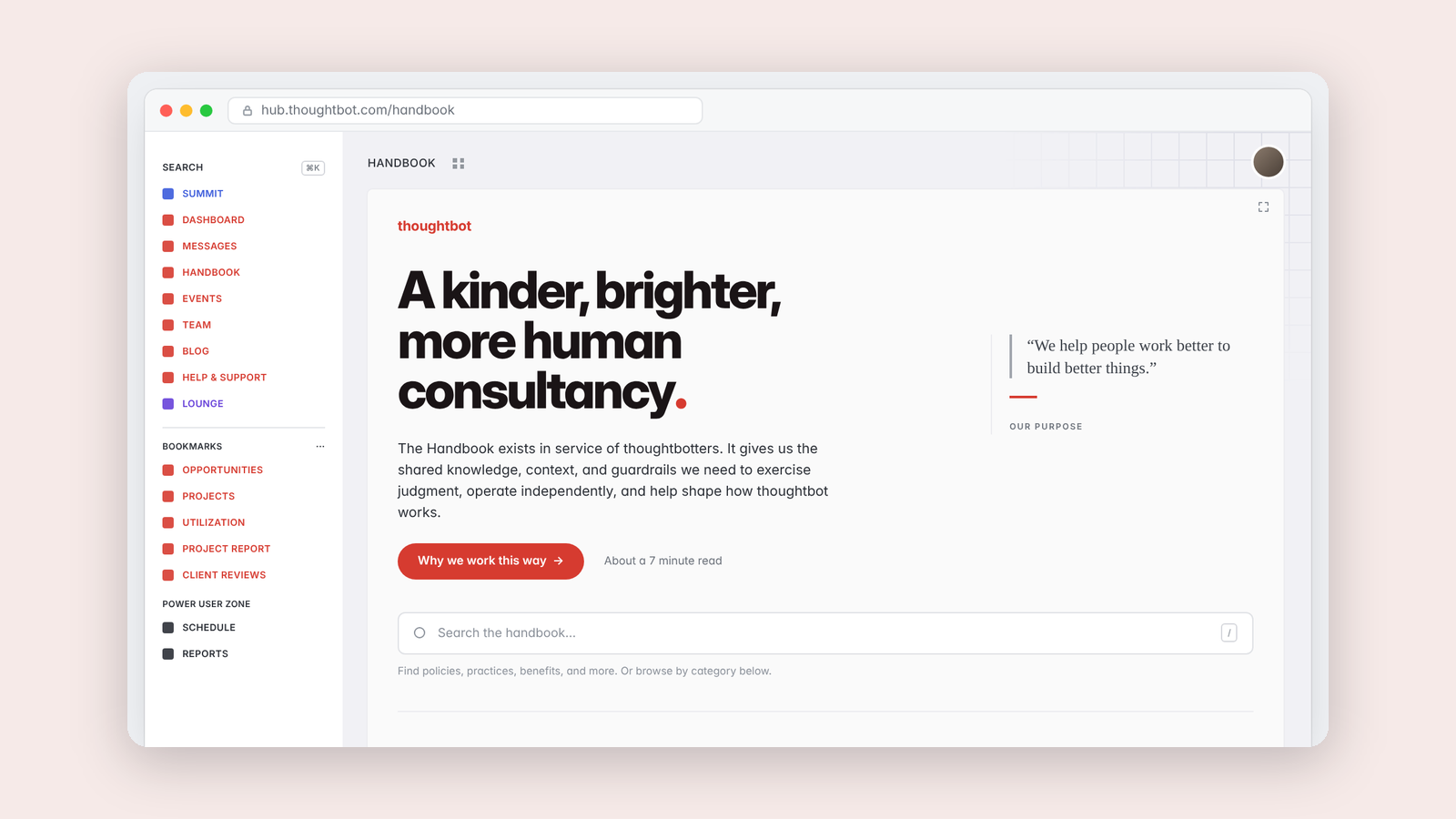
thoughtbot's handbook is one of the best things about working here. It explains how we make decisions, what we expect of each other and why. It was also hard to read inside our internal app, with long lines across the whole screen and no way to tell a policy from a guide.
Handbook Helper adds a reading layer. A path through the introduction for someone new, search that only looks at the handbook, categories, and a comfortable reading column. Its icon is an open book with a smiley face, in the spirit of Hamburger Helper, in thoughtbot red. Turn it off and the handbook is exactly as it was.
Policies and guides
Every page now says which one it is. Policies get a red badge and guides get a gray one, because the point of red is that it's the exception. The answer comes from the handbook itself wherever it says so.
That came from a mistake. An earlier version used its own rule to decide what counted as a policy, and it filed real policies under guides. Second-guessing someone else's document was the bug.
Reuse over rebuild
The index is the handbook's own table of contents, read from the page, so it can't drift from the real thing. Search uses the existing endpoint and answers instantly from page titles while full text catches up.
I also took something out. A hand-picked "key pages" section felt helpful, but it was my judgment rather than data, and it buried everything it didn't pick.
A reader, not an author
A tool for reading should author nothing. New pages still go to the handbook, where everyone can see and change them.
Keep reading
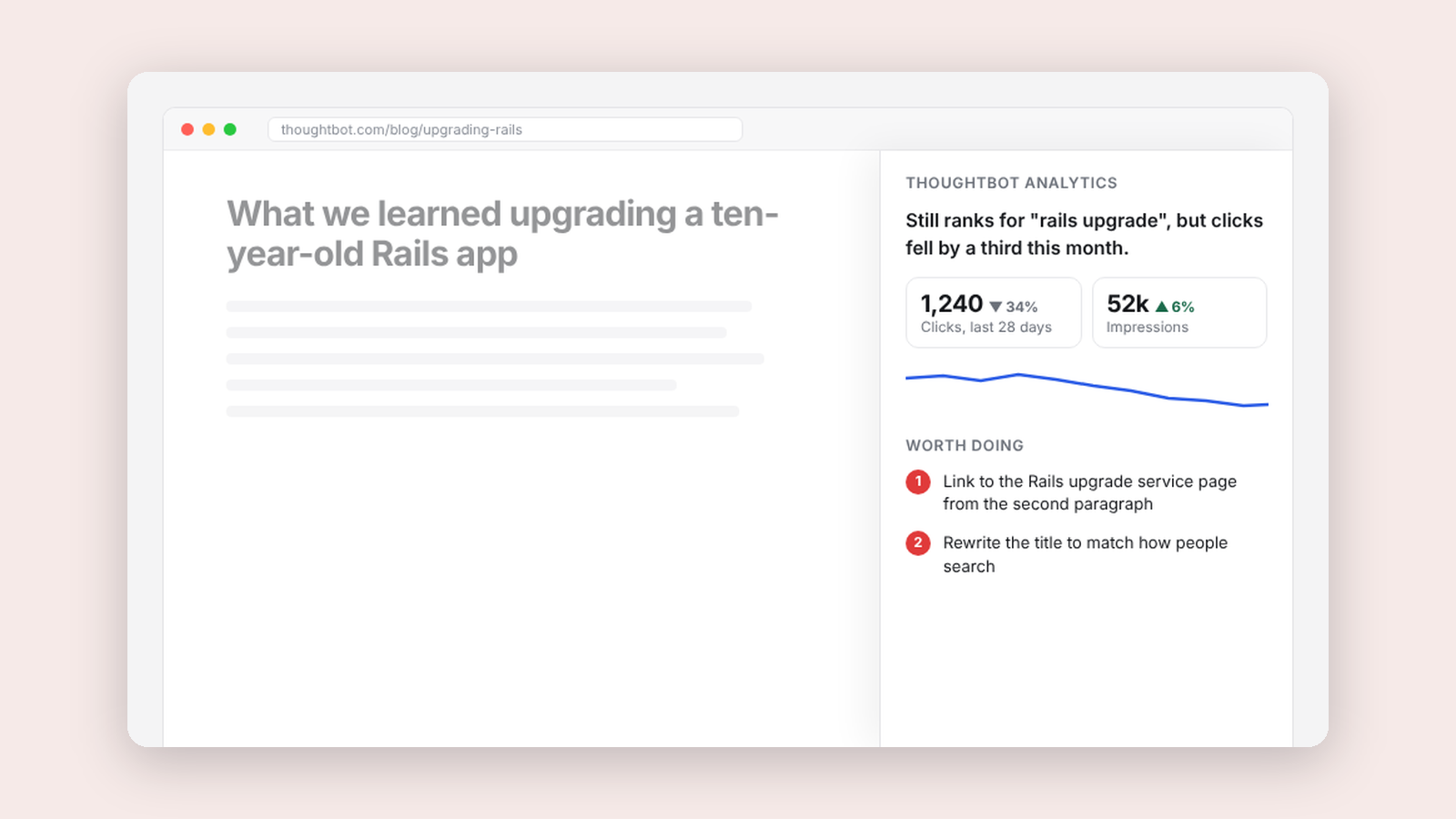
More from Tools for my team
-
 Making·
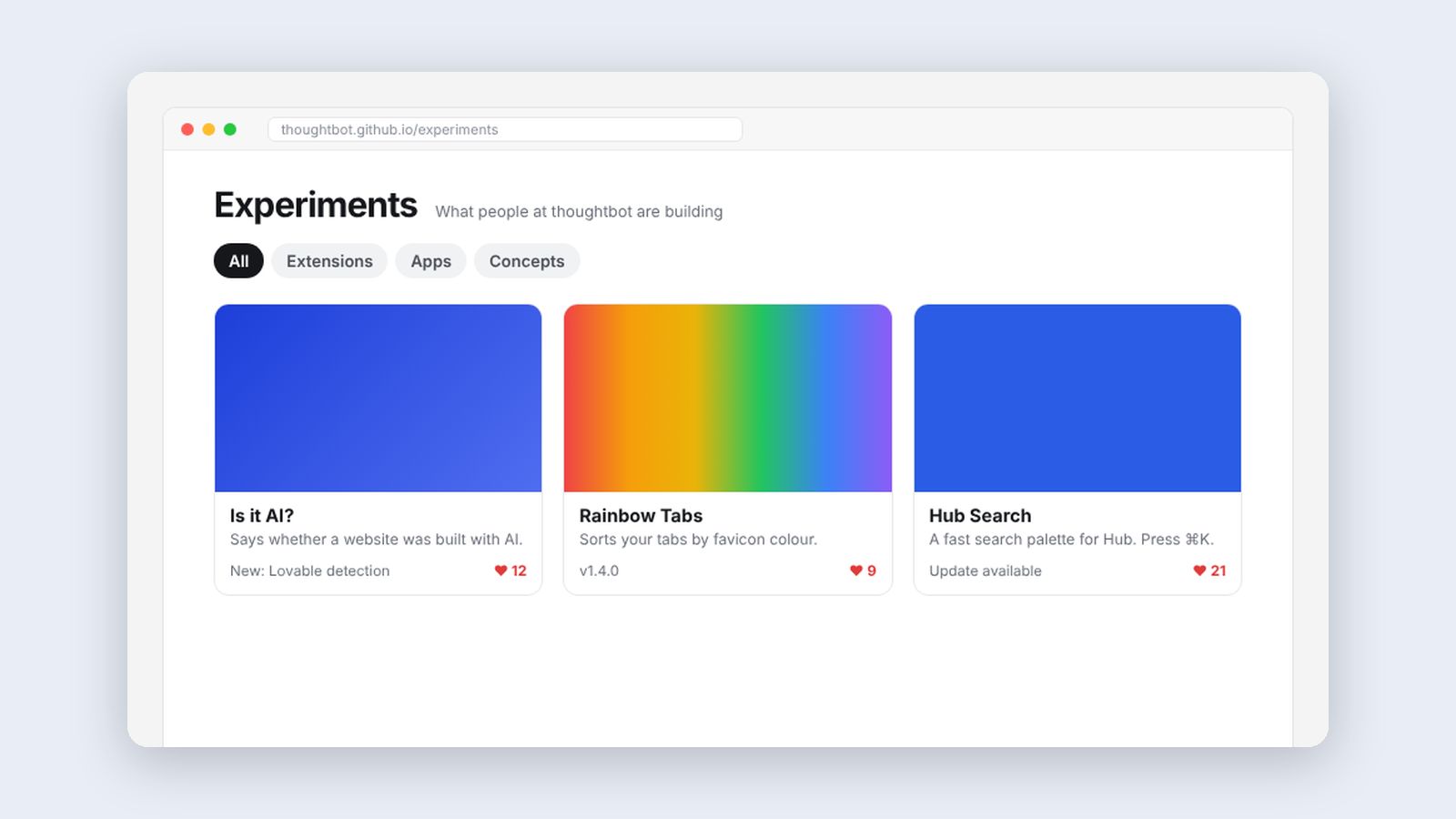
Experiments, a home for what thoughtbot people build
A catalog where thoughtbot people share the tools they make, try each other’s work, leave feedback, and vote on what’s ready for production.
Making·
Experiments, a home for what thoughtbot people build
A catalog where thoughtbot people share the tools they make, try each other’s work, leave feedback, and vote on what’s ready for production.
-
 Making·
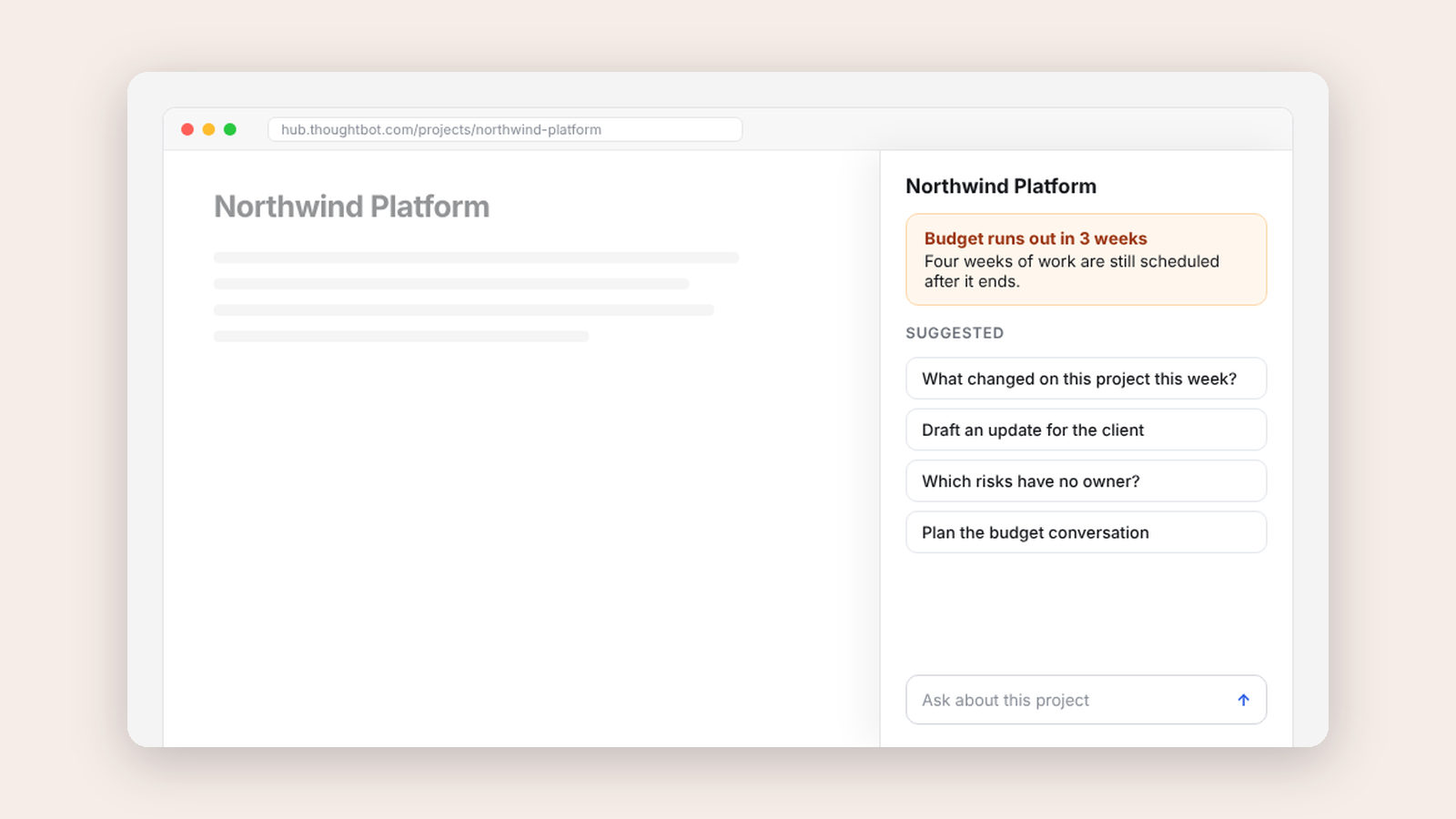
Delivery Copilot, an AI assistant that stays beside the work
A side panel that brings our internal delivery copilot next to the project you're looking at, with suggestions drawn from the record in front of you.
Making·
Delivery Copilot, an AI assistant that stays beside the work
A side panel that brings our internal delivery copilot next to the project you're looking at, with suggestions drawn from the record in front of you.
-
 Making·
Is it AI? Looking for evidence instead of guessing
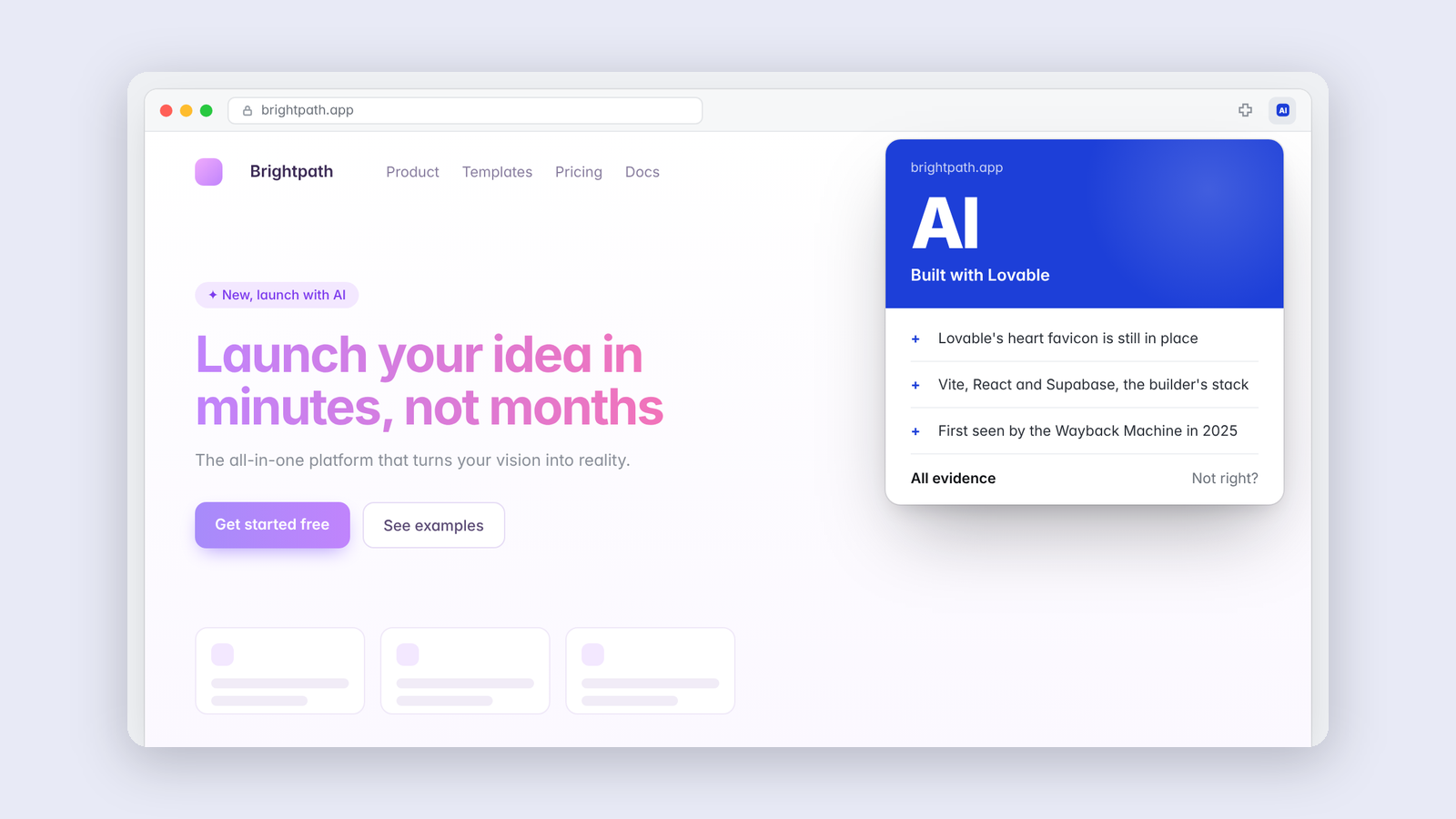
A browser extension that looks for forensic evidence of AI in a website's code, design, copy and stack, and shows its work.
Making·
Is it AI? Looking for evidence instead of guessing
A browser extension that looks for forensic evidence of AI in a website's code, design, copy and stack, and shows its work.