Schedule Helper, seeing who's free at a glance
A resource-planning timeline for thoughtbot's team schedule, with one row per person and the filters we actually use.
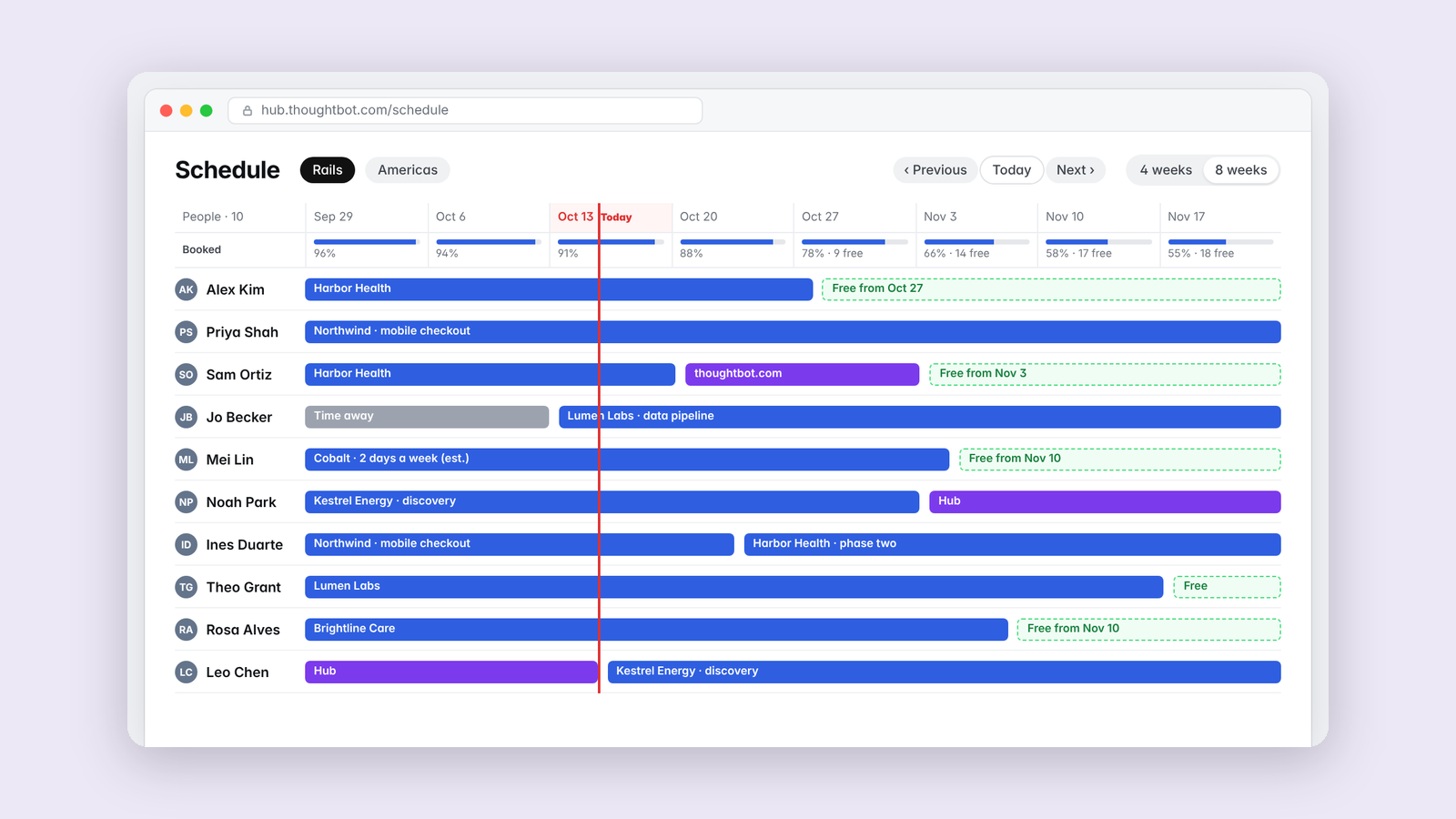
Staffing a consultancy comes down to one question asked many times a week. Who is free, and when? Our schedule page had the answer, spread across a layout that made it hard to see.
Schedule Helper redraws it as a compact timeline with one row per person. Bars are colored by type of booking rather than by project, so client work, internal projects and investment time never look alike. A red line marks today, and zoom goes from one week to three months. The filters we use most, like department, team, region and skills, sit in a toolbar. Clicking any stretch of free time opens the booking form with the person and dates already filled in.
Our director of development finds it incredibly useful now.
Being honest about a guess
The underlying data marks a day as booked without saying which project booked it. When several projects shared a week, each one claimed the whole week, so a two-day assignment looked full time. Now the week is divided between them, and because which days is a guess, those bars get a faint hatch and show the real allocation on hover. When the two disagree, the allocation is the number to trust.
Knowing when to retreat
I spent four versions trying to make the whole page scroll with the dates pinned to the top. Each attempt introduced a new bug, and the last one painted a white sheet over everything. I rolled all four back and rebuilt from the last good version. Knowing when to stop digging is part of the job.
Keep reading
More from Tools for my team
-
 Making·
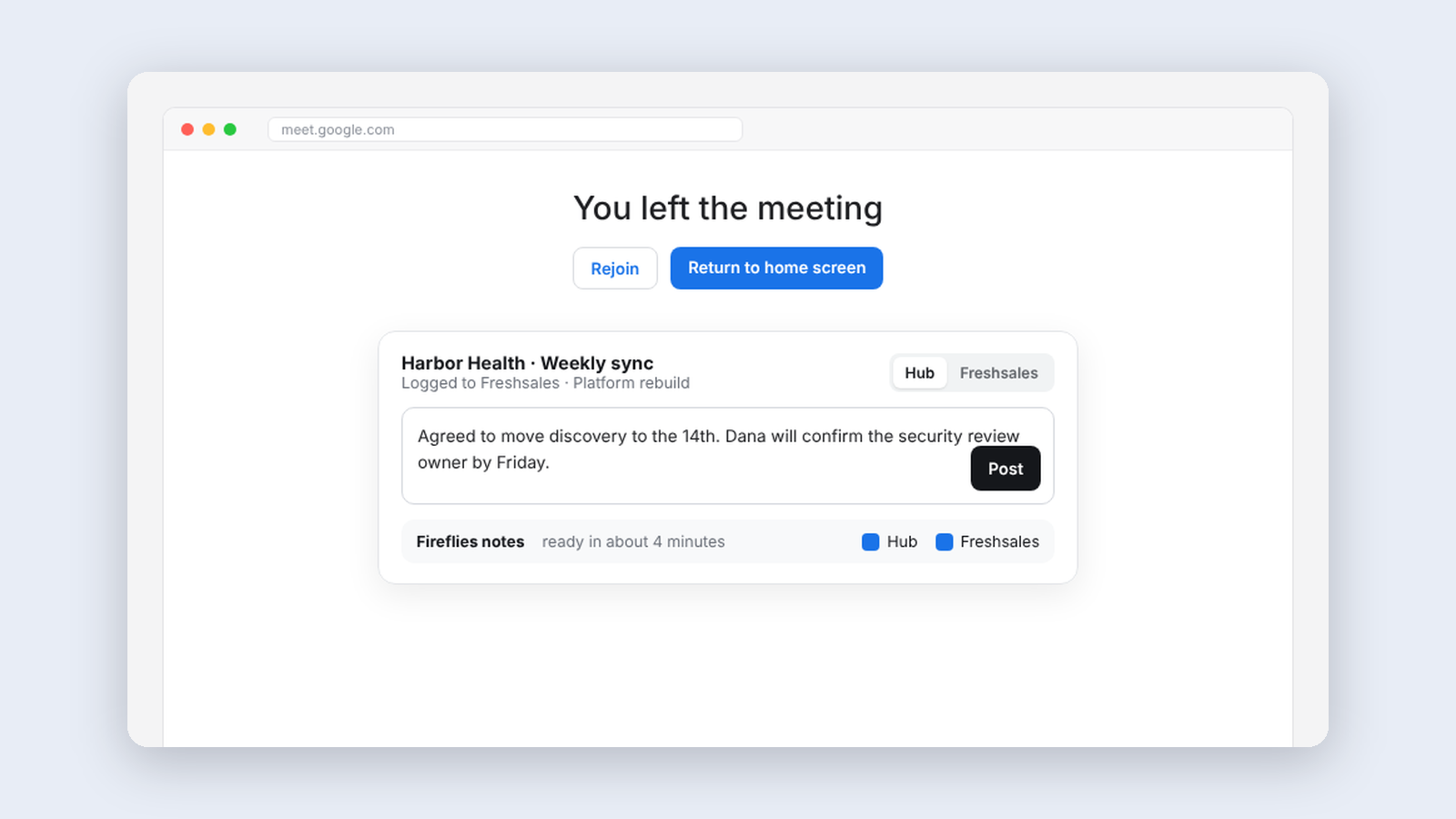
Meeting Helper, logging client meetings without thinking about it
An extension that logs finished meetings to our CRM automatically and handles notes and follow-up right on Google Meet's goodbye screen.
Making·
Meeting Helper, logging client meetings without thinking about it
An extension that logs finished meetings to our CRM automatically and handles notes and follow-up right on Google Meet's goodbye screen.
-
 Making·
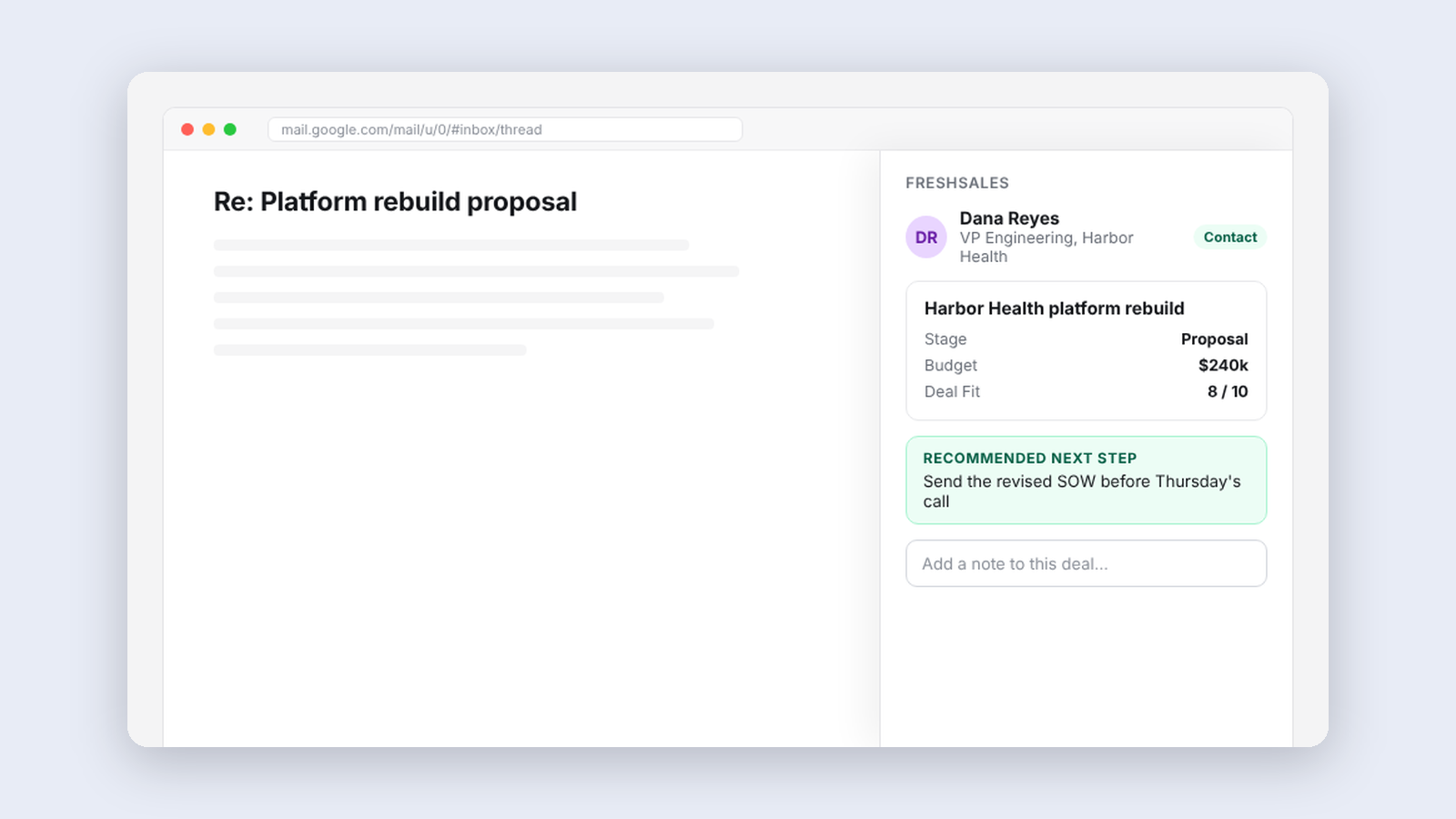
Freshsales for thoughtbot, our CRM inside the inbox
A sidebar in Gmail that shows who someone is in our CRM, the deal tied to a thread, and the people worth reconnecting with this week.
Making·
Freshsales for thoughtbot, our CRM inside the inbox
A sidebar in Gmail that shows who someone is in our CRM, the deal tied to a thread, and the people worth reconnecting with this week.
-
 Making·
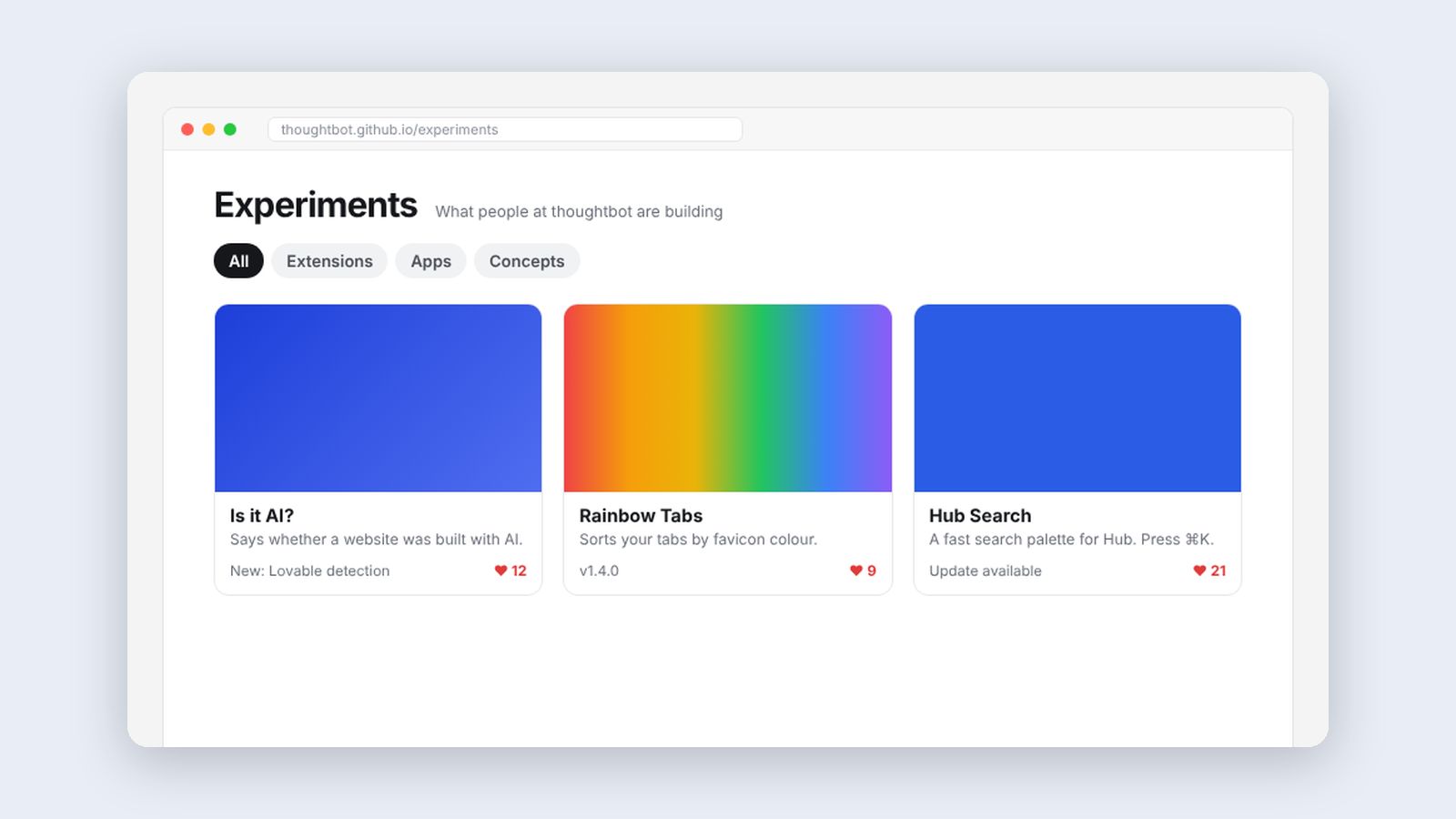
Experiments, a home for what thoughtbot people build
A catalog where thoughtbot people share the tools they make, try each other’s work, leave feedback, and vote on what’s ready for production.
Making·
Experiments, a home for what thoughtbot people build
A catalog where thoughtbot people share the tools they make, try each other’s work, leave feedback, and vote on what’s ready for production.