Stagehand, a deck from a Markdown file
A simpler alternative to Slides and PowerPoint. Drop in a Markdown file, or hand it to Claude, and present a polished deck with notes only you can see.
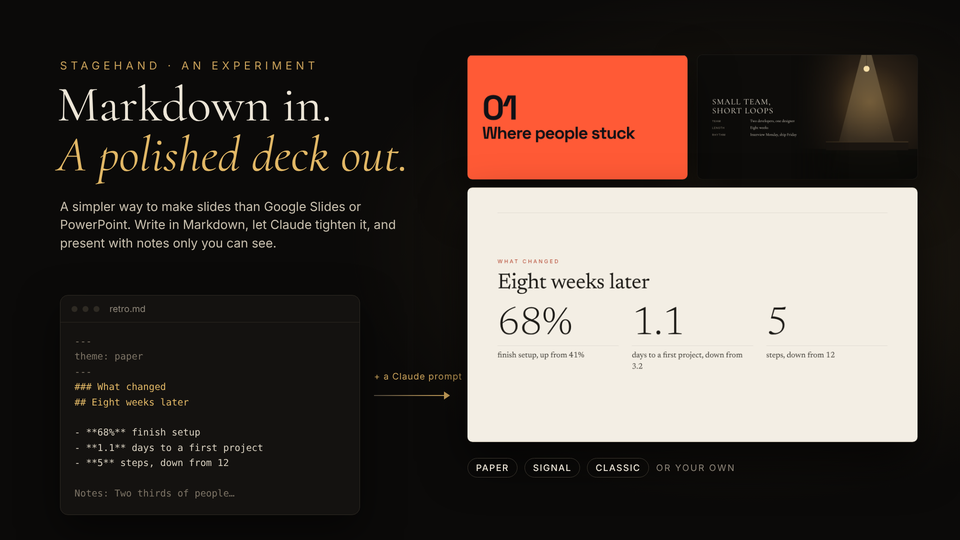
Stagehand turns a Markdown file into a presentation that looks designed. Drop the file on the make page and each slide gets a layout from what's on it. A number becomes a big stat, a quote becomes a pull quote, and a picture fills the screen. Pick Classic, Paper or Signal, then present it or save it as one HTML file.
There's no account, no build step and nothing to install.
Where it came from
I was getting ready for a five minute lightning talk about the American dive bar, told like a nature documentary. It needed narration, room sound from my own field recordings, and a script nobody else could see. Once I had that working, I wanted the same setup for every other talk, so I pulled it out into its own tool.
Two windows
The window you share shows only slides. A second window has your script in large type, the next slide, a timer and every control. You can even edit the script mid-talk. Reveals, rings that circle part of a diagram, crossfades, and optional sound and narration are built in.
Browsers only allow sound and full screen after a click on the page itself, and only one of the two per click. So the deck asks for one click, or two if your notes window isn't open yet. That's the part most likely to surprise someone on a live call.
Hand it to Claude
The make page picks layouts by rule, right in the browser, with no model behind it. For more polish, hand the same file to Claude with the Stagehand skill below. It cuts the words on each slide down, moves the rest into your script and picks layouts with some judgment. What comes back is still plain Markdown you can read and change.
What I'm watching
Whether writing in Markdown and letting the layout follow beats building slides by hand, for the talks we actually give.
Keep reading
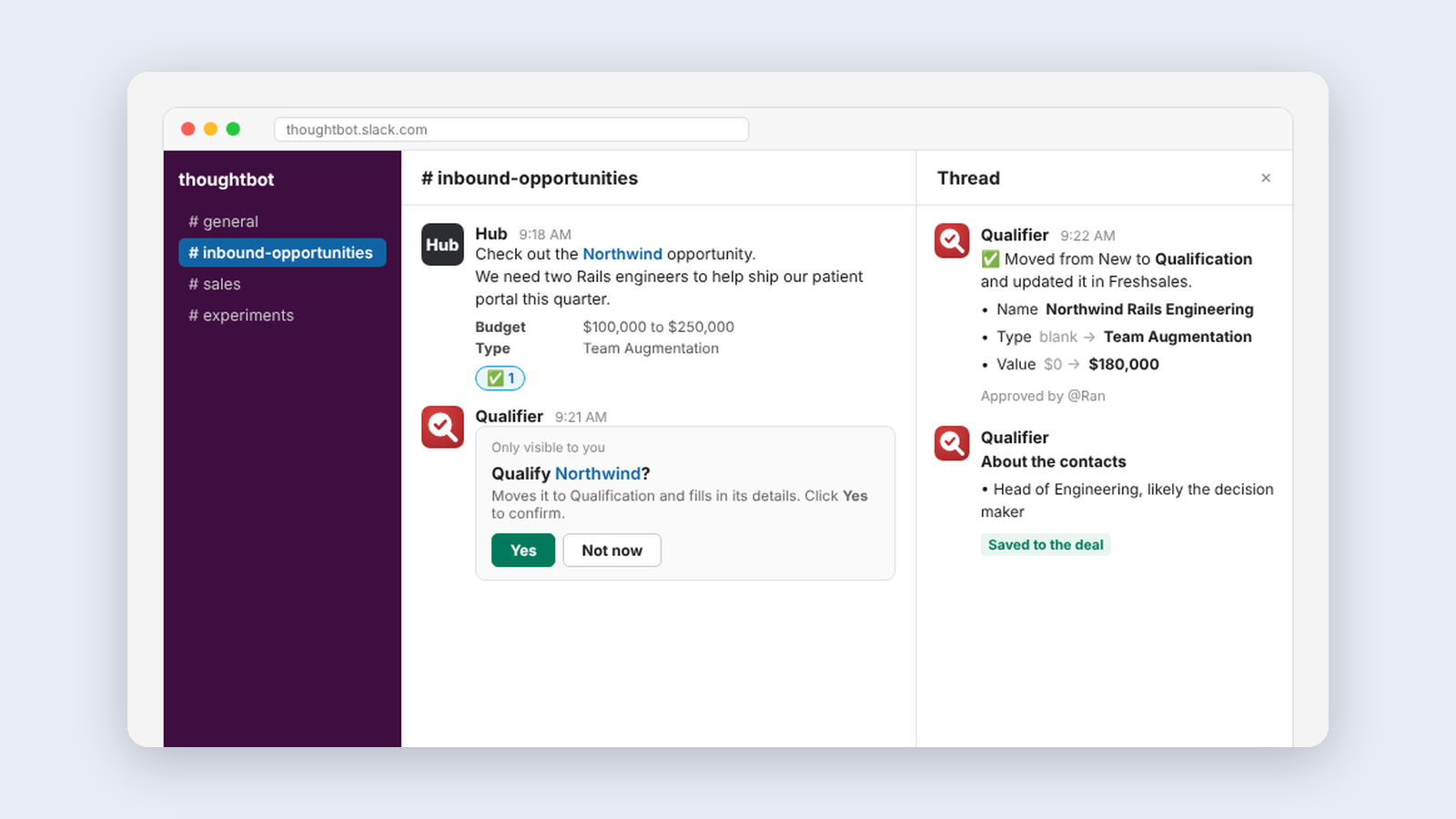
More from Tools for my team
-
 Making·
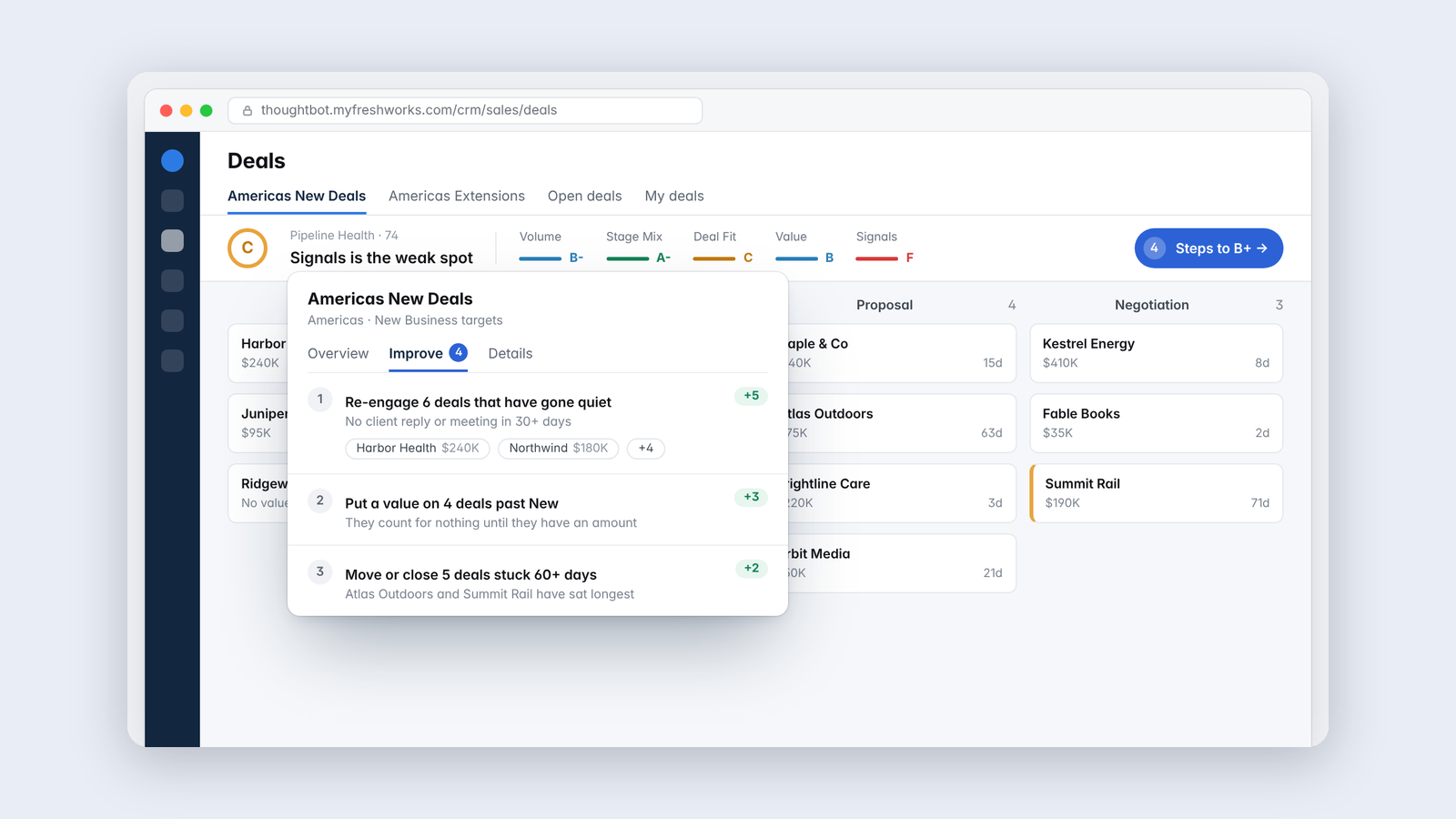
Pipeline Health, a grade for the sales pipeline that matches how it feels
A bar in our CRM that forecasts what the pipeline you're looking at will deliver against budget, and names the deals to work on.
Making·
Pipeline Health, a grade for the sales pipeline that matches how it feels
A bar in our CRM that forecasts what the pipeline you're looking at will deliver against budget, and names the deals to work on.
-
 Making·
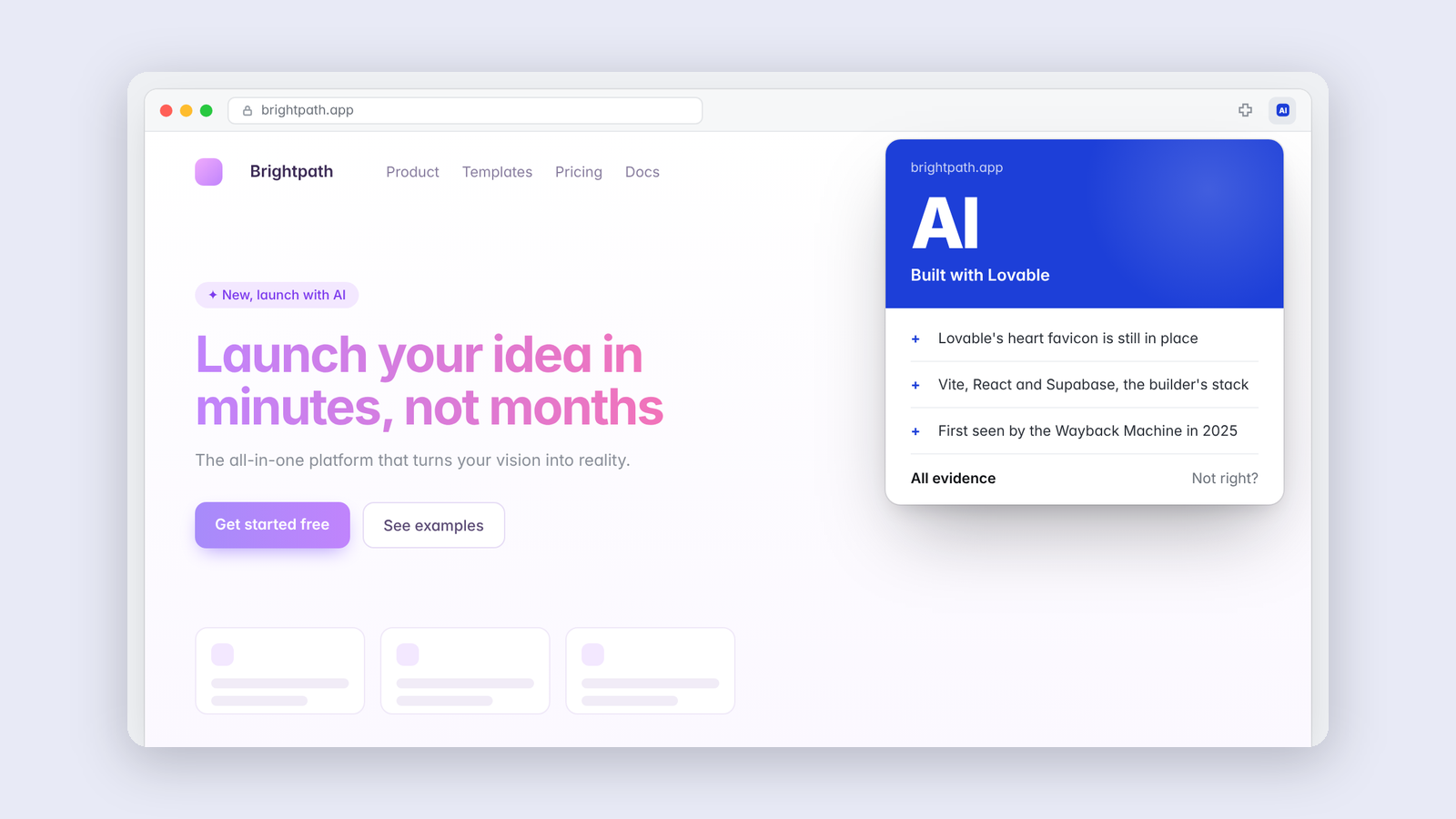
Is it AI? Looking for evidence instead of guessing
A browser extension that looks for forensic evidence of AI in a website's code, design, copy and stack, and shows its work.
Making·
Is it AI? Looking for evidence instead of guessing
A browser extension that looks for forensic evidence of AI in a website's code, design, copy and stack, and shows its work.
-
 Making·
Delivery Copilot, an AI assistant that stays beside the work
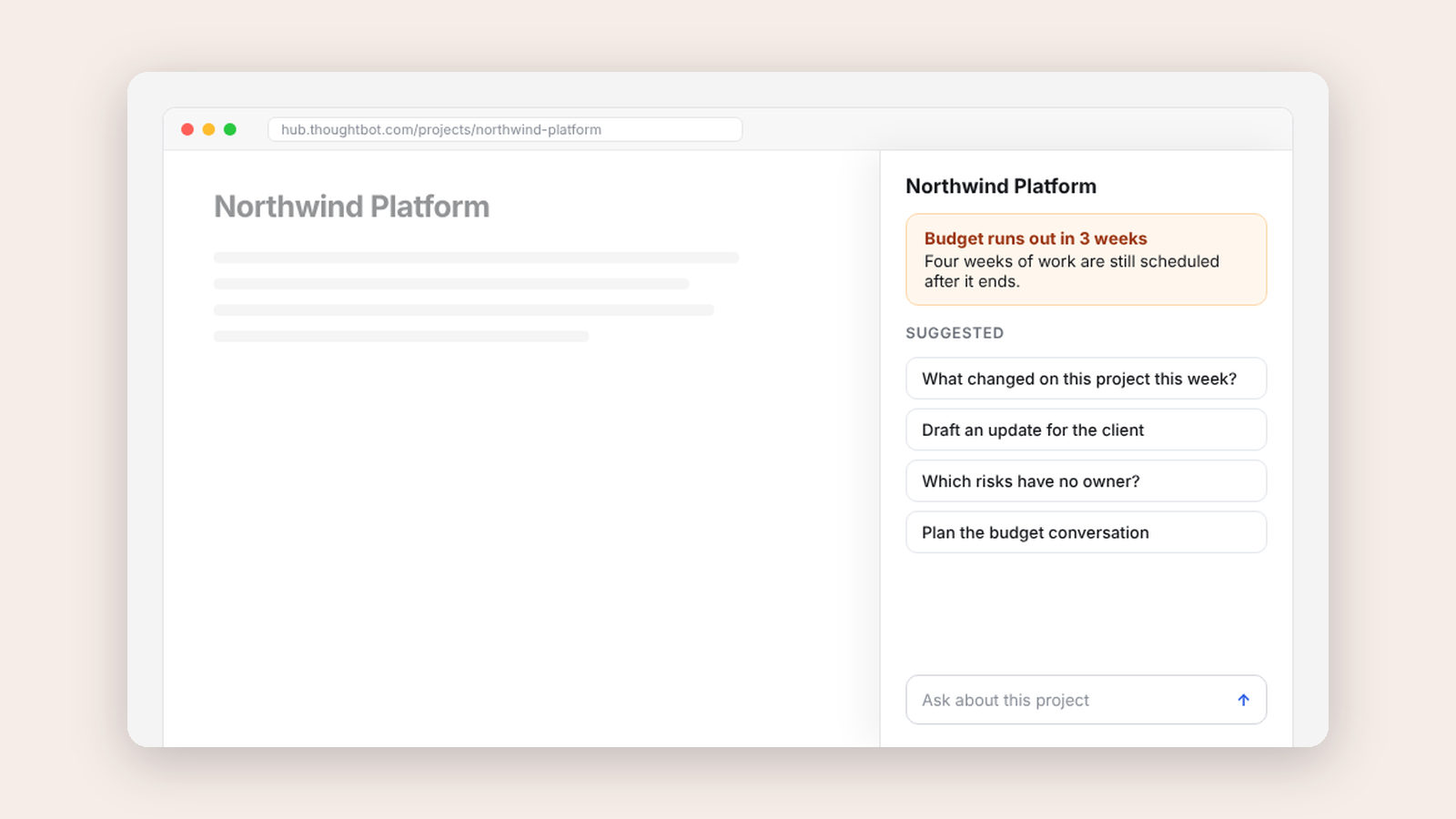
A side panel that brings our internal delivery copilot next to the project you're looking at, with suggestions drawn from the record in front of you.
Making·
Delivery Copilot, an AI assistant that stays beside the work
A side panel that brings our internal delivery copilot next to the project you're looking at, with suggestions drawn from the record in front of you.